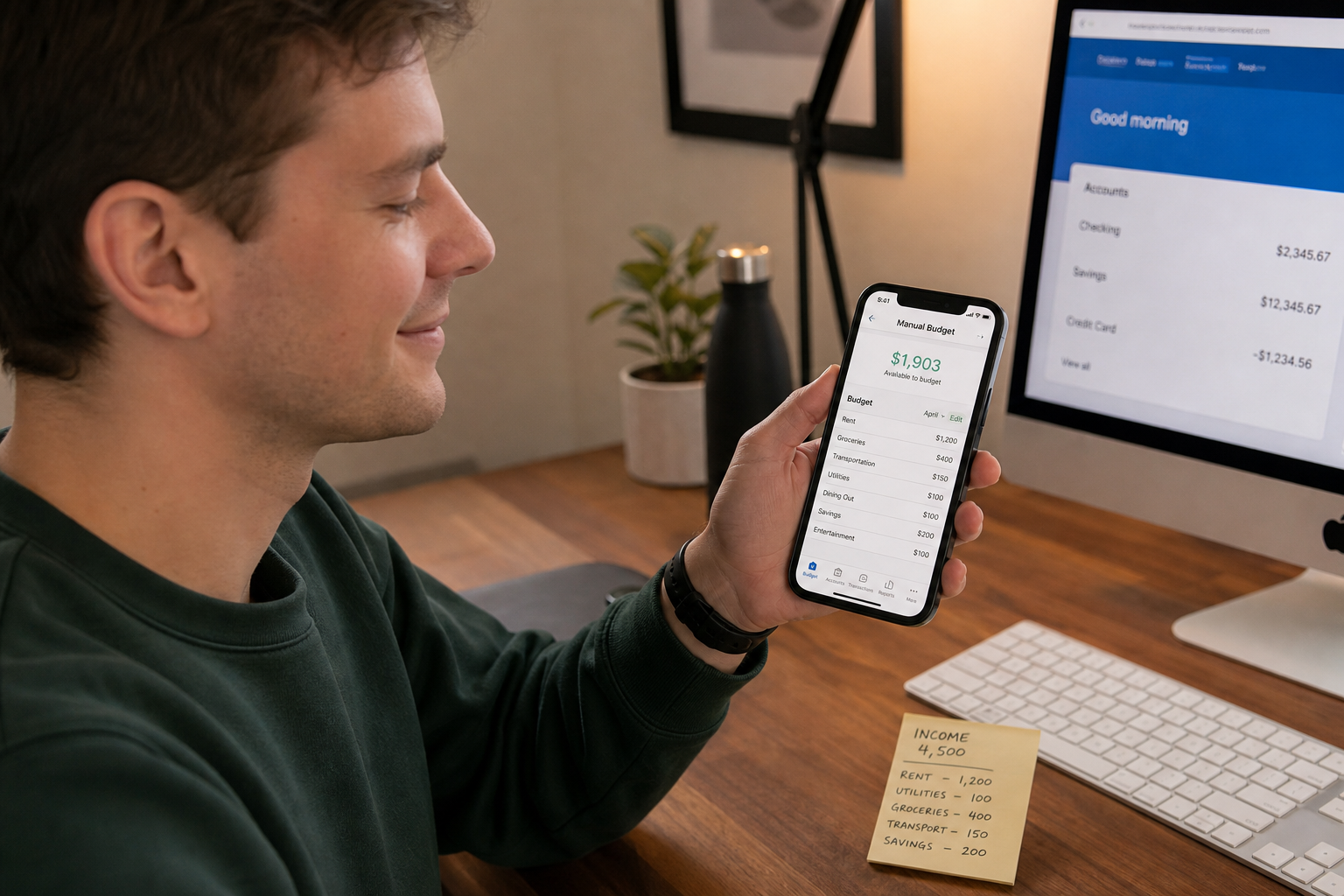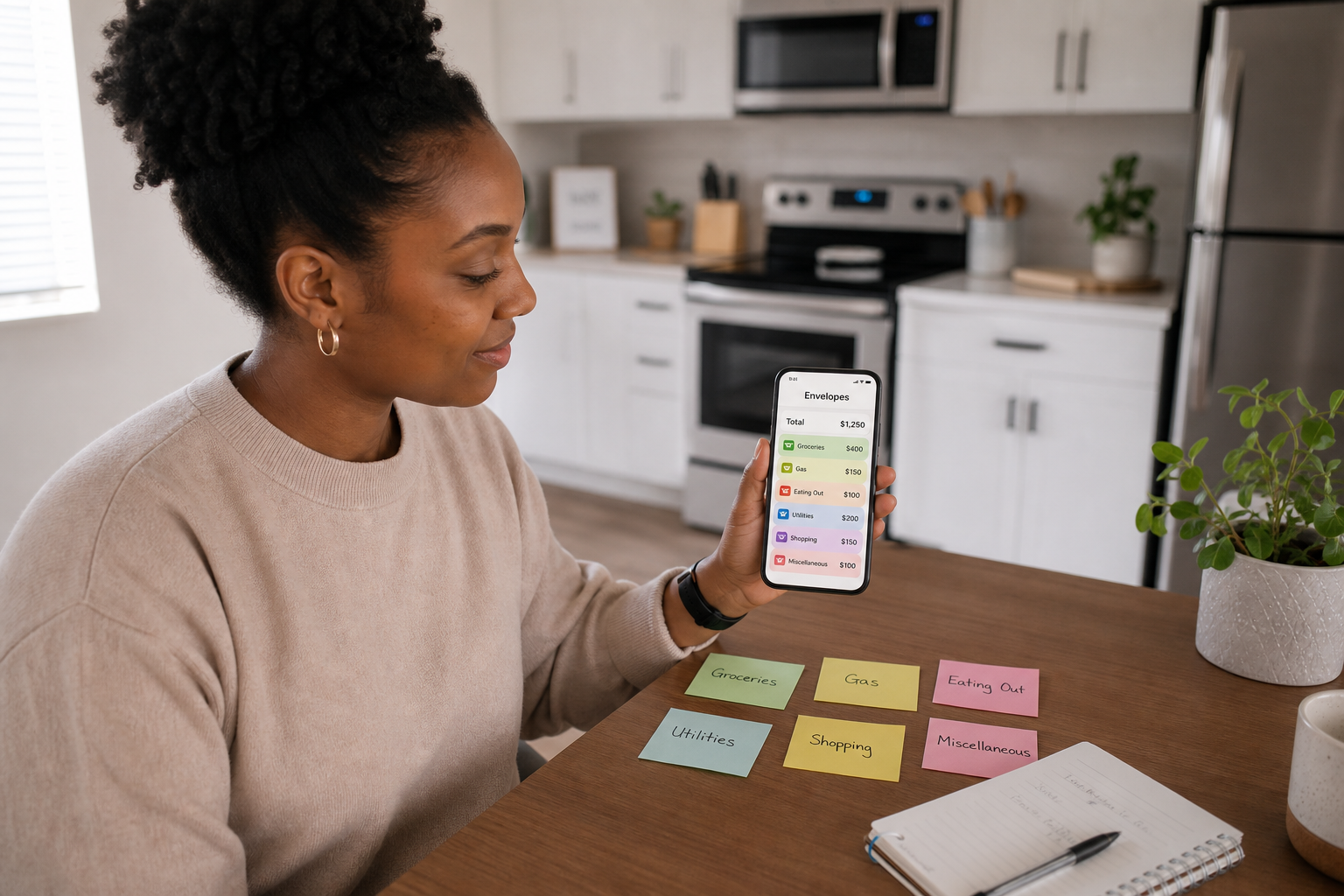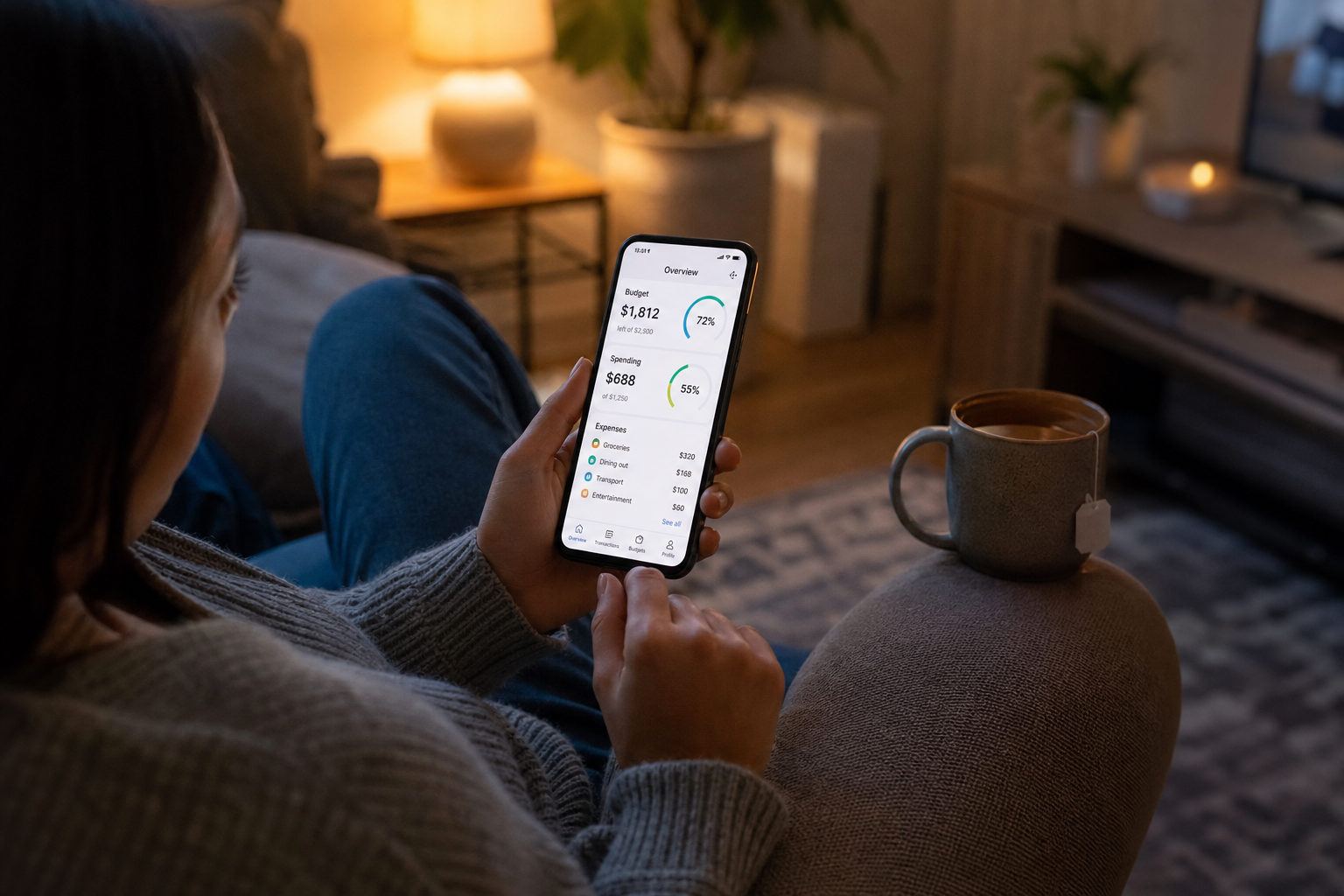
A budgeting app without a bank connection lets you track spending by entering expenses manually, rather than syncing your bank account. These apps offer more privacy, work with any bank or payment method, and are often simpler to set up. They suit anyone who values control over automation and prefers not to share banking credentials with a third-party app.
👉 Spendaily requires no bank connection. Set your monthly budget and get a daily spending allowance with smart rollover, nothing linked, nothing shared. Download free on iOS →
Why People Choose Apps Without Bank Connections
Bank-linked budgeting apps connect to your account using open banking APIs, which read your transaction history and categorise your spending automatically. The appeal is obvious: no manual entry.
But a growing number of people are choosing not to link. Here is why:
Privacy and data concerns Open banking requires you to hand your banking credentials, or authorise direct read access, to a third-party company. While regulated providers must meet FCA standards in the UK, your transaction history includes your salary, your landlord's name, your medical payments, and every subscription you hold. Many users simply do not want that data held by a company outside their bank.
It does not work for everyone Cash spending, PayPal transactions, peer-to-peer payments, and purchases made by a partner or family member on a shared budget do not show up automatically in bank-synced apps. Manual entry is the only reliable way to capture the full picture.
Simplicity over automation Many users find that bank-synced apps add complexity rather than removing it. Miscategorised transactions, duplicate entries from credit and debit cards, and notification overload cause friction. Manual apps are slower per entry, but the entries are always accurate.
Switching banks or using multiple accounts If you move banks, switch to a challenger app, or use a mix of Monzo, Starling, and a traditional current account, re-linking and re-authorising every time is a frustrating overhead. A bank-free app works regardless of which accounts you hold.
The Best Budgeting Apps Without Bank Connections in 2026
| App | Method | Bank link required? | Price | Best for |
|---|---|---|---|---|
| Spendaily | Daily allowance + rollover | ❌ Never | Free | Daily spending decisions, impulse control |
| Goodbudget | Envelope budgeting | ❌ No | Free / £6.99/mo (Plus) | Category-by-category budgeters, couples |
| Daily Budget Original | Daily spending limit | ❌ No | Free / one-off purchase | Simple daily tracking, no rollover |
| YNAB | Zero-based budgeting | Optional | £14.99/mo | Serious budgeters, debt payoff |
| Koody | Manual tracking + categories | ❌ No | Free / £2.99/mo | Multi-account manual tracking |
Why Spendaily is different: Most manual apps still use monthly or category-based framing, they just remove the bank link. Spendaily is the only app built specifically around the daily budgeting method, with rollover built into the core mechanic. You do not track categories. You track one number: what you can spend today.
Manual Budgeting vs Bank-Synced Apps: The Real Trade-offs
| Manual (No Bank Link) | Bank-Synced | |
|---|---|---|
| -- | -- | -- |
| Setup time | 5-10 minutes | 10-20 minutes (authorisation + categorisation) |
| Data privacy | ✅ Full, nothing shared | ❌ Transaction data held by third party |
| Accuracy | ✅ 100%, you control every entry | ⚠️ Depends on sync quality and categorisation |
| Cash spending | ✅ Works perfectly | ❌ Invisible unless entered manually |
| Works with any bank | ✅ Yes | ⚠️ Depends on open banking compatibility |
| No bank account needed | ✅ Yes | ❌ Required |
| Effort per transaction | ⚠️ 10-15 seconds manual entry | ✅ Automatic |
| Notification overload risk | ✅ Low | ❌ High |
The honest trade-off: bank-synced apps save you the manual entry step but introduce privacy exposure, categorisation errors, and dependency on your bank's API support. Manual apps require more engagement, but that engagement is itself a feature. Research consistently shows that people who manually log spending are more aware of their habits and make better decisions in the moment.
Who Should Use a Budgeting App Without Bank Connection?
Students and young adults Many students do not have a standard current account, use prepaid cards, or manage budgets across multiple payment methods. Bank-linked apps often cannot connect to challenger banks or prepaid cards reliably. A manual app works for everyone, regardless of how they pay.
→ See: Daily Budgeting for Students and Young Adults (2026)
Privacy-first users If you have ever read a budgeting app's privacy policy and closed your browser immediately, you are not alone. Manual apps are the straightforward solution: if you do not give them your bank details, they cannot lose or misuse them.
Cash and card users If you use cash regularly, weekly food shops, market stalls, childminders, bank syncing will never give you an accurate picture. Manual entry captures everything, regardless of payment method.
People with irregular income Freelancers, shift workers, and gig economy workers often have income that varies month to month. Bank-synced apps that categorise your salary struggle when income is unpredictable. Manual apps let you update your income figure whenever it changes.
→ See: How to Budget Daily, A Beginner-Friendly Step-by-Step Guide
Anyone switching away from Mint, Emma, or Plum If you used Mint (now discontinued in the UK), Emma, or Plum and found the bank-syncing experience overwhelming, unreliable, or anxiety-inducing, a manual daily budgeting app is the natural alternative. You get real control without the noise.
→ See: How to Switch from a Bank-Synced App to Manual Daily Tracking
How to Set Up a Manual Budgeting App in Under 10 Minutes
- Download your chosen app: Spendaily is available free on iOS
- Enter your monthly income: use your take-home (post-tax) figure
- List your fixed costs: rent, bills, subscriptions, loan repayments
- The app calculates your daily allowance: in Spendaily, this happens automatically with rollover
- Log expenses as you spend: takes 10-15 seconds per entry
- Check your daily number each morning: one number tells you exactly where you stand
No bank authorisation. No waiting for syncs. No miscategorised transactions. Just your actual spending, accurately tracked.
Is It Safe to Use a Budgeting App Without a Bank Connection?
Yes, in fact, it is the safest way to use a budgeting app from a data perspective.
With a manual app, you share only the data you choose to enter. There are no banking credentials involved, no OAuth tokens stored, and no connection for bad actors to exploit. The app holds your spending logs, not your account access.
By contrast, open banking apps require you to re-authorise your bank connection periodically, and your transaction data is stored on the app provider's servers under their privacy policy. If that company is acquired, breached, or changes its data-sharing terms, your financial history goes with it.
The bottom line: A no-bank-link app cannot expose your banking credentials, because it never has them.
FAQ
Which budgeting apps do not require a bank account? Spendaily, Goodbudget, Daily Budget Original, and Koody all work entirely without bank connections. You enter your income and expenses manually and the app tracks your budget from there.
Is it better to use a budget app without bank linking? For privacy, accuracy on cash spending, and simplicity, yes. Bank-linked apps automate transaction import but introduce data sharing, categorisation errors, and dependency on your bank's API. Manual apps are slower per entry but give you complete control.
Can I use a budgeting app if I do not have a bank account? Yes. Manual budgeting apps like Spendaily work independently of any bank account. You simply enter your income and track your spending, the app does not need to know where your money is held.
What is the best free budgeting app without bank connection? Spendaily is free on iOS and does not require a bank connection. It is built specifically around daily budgeting with rollover, meaning your daily allowance adjusts in real time as you spend, without any bank sync required.
How do I switch from Emma or Monzo to a manual budgeting app? Download Spendaily, note your current balance and fixed costs, and set your monthly budget from your next payday. You do not need to export data from your old app, start fresh from today's position.
Are budgeting apps without bank connections less accurate? Only if you forget to log transactions. When you log everything, including cash, manual apps are more accurate than bank-synced apps, which miss cash spending entirely.