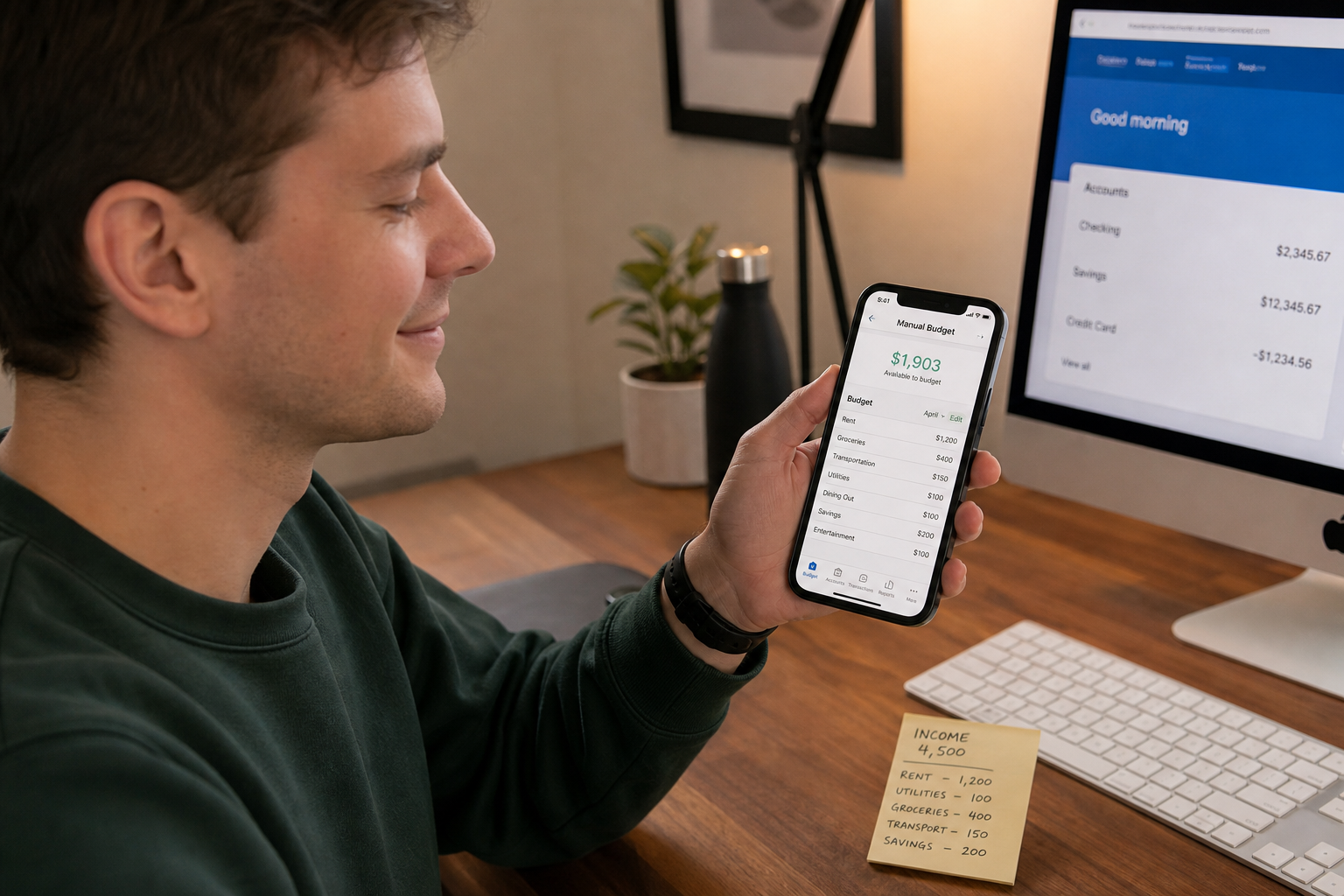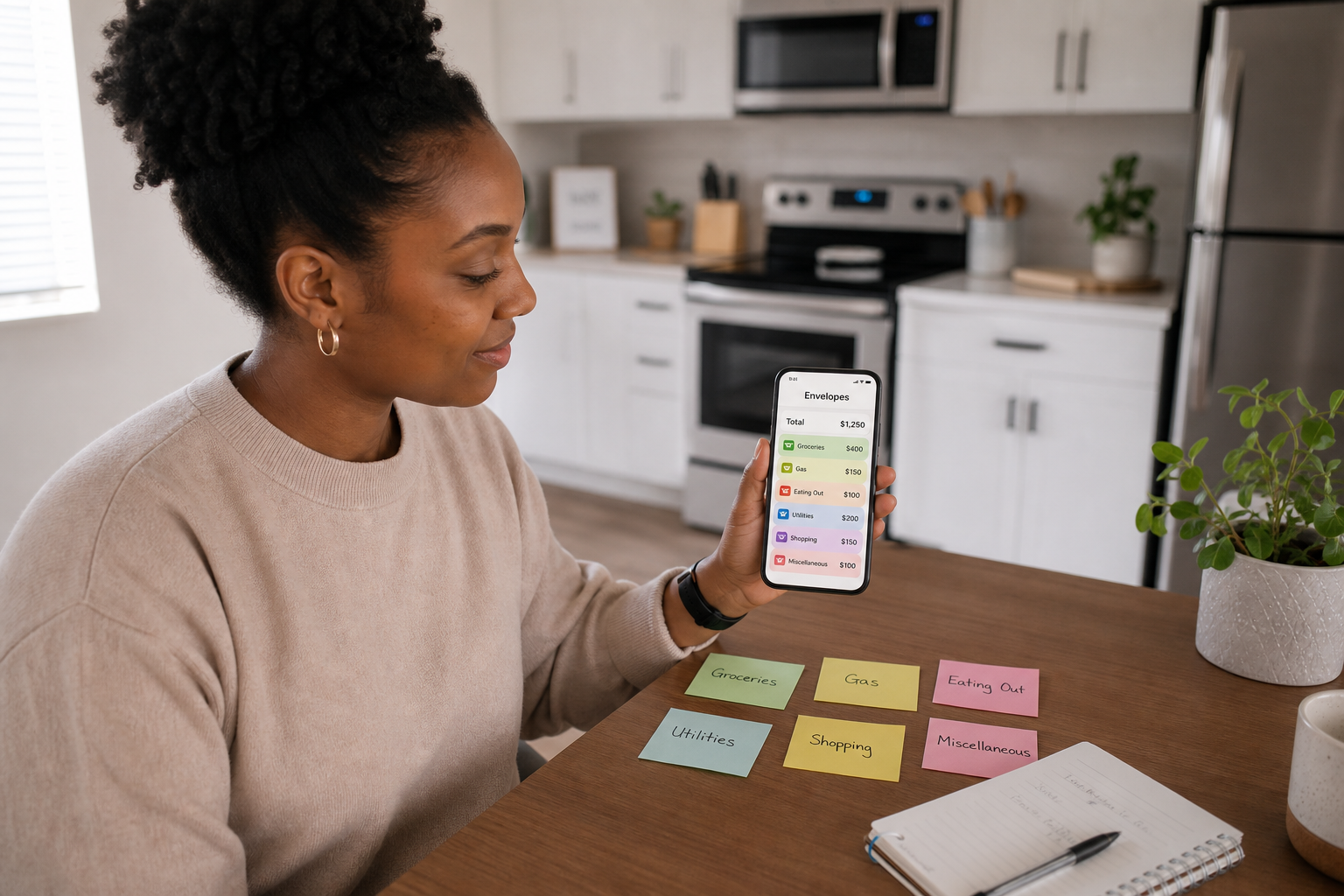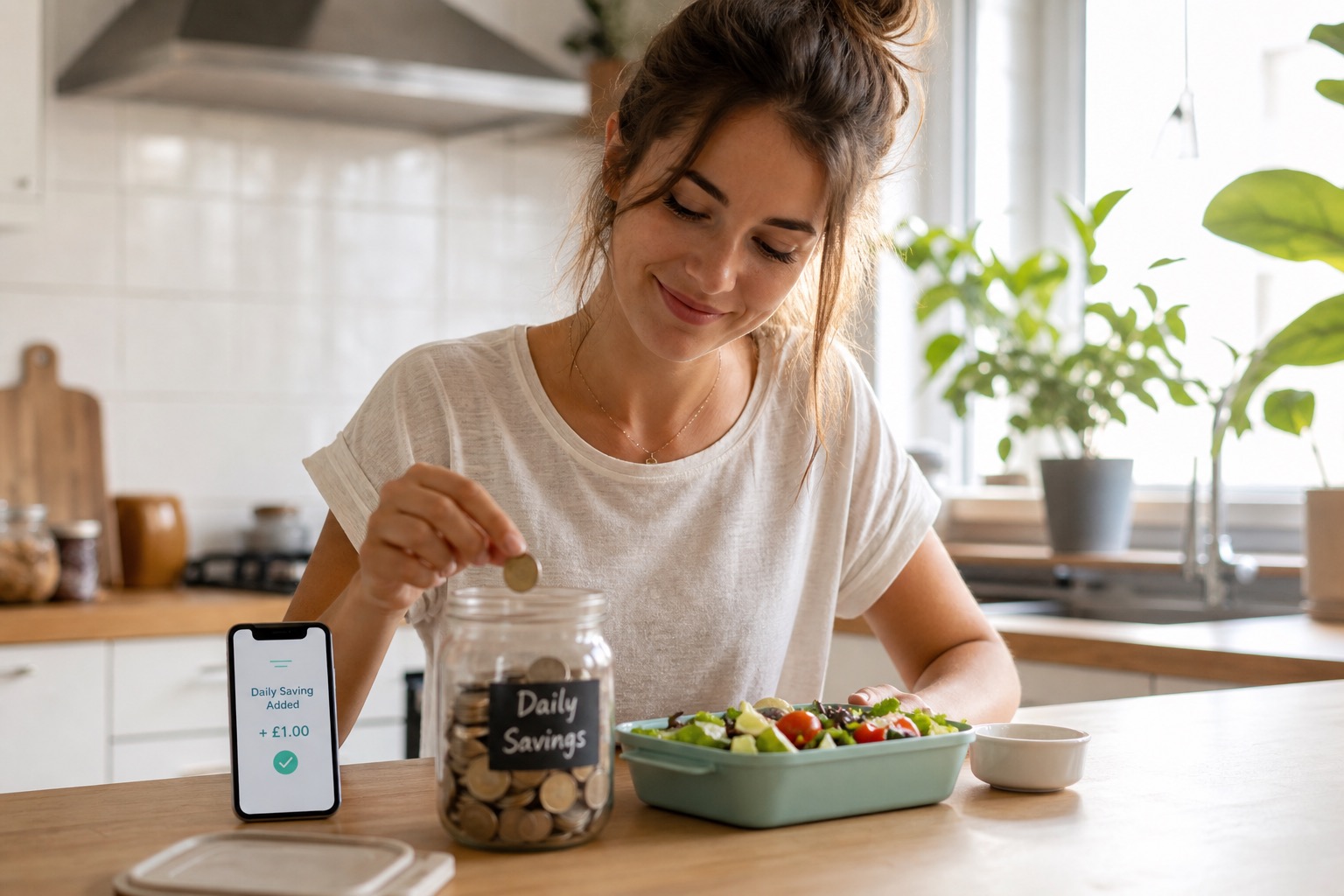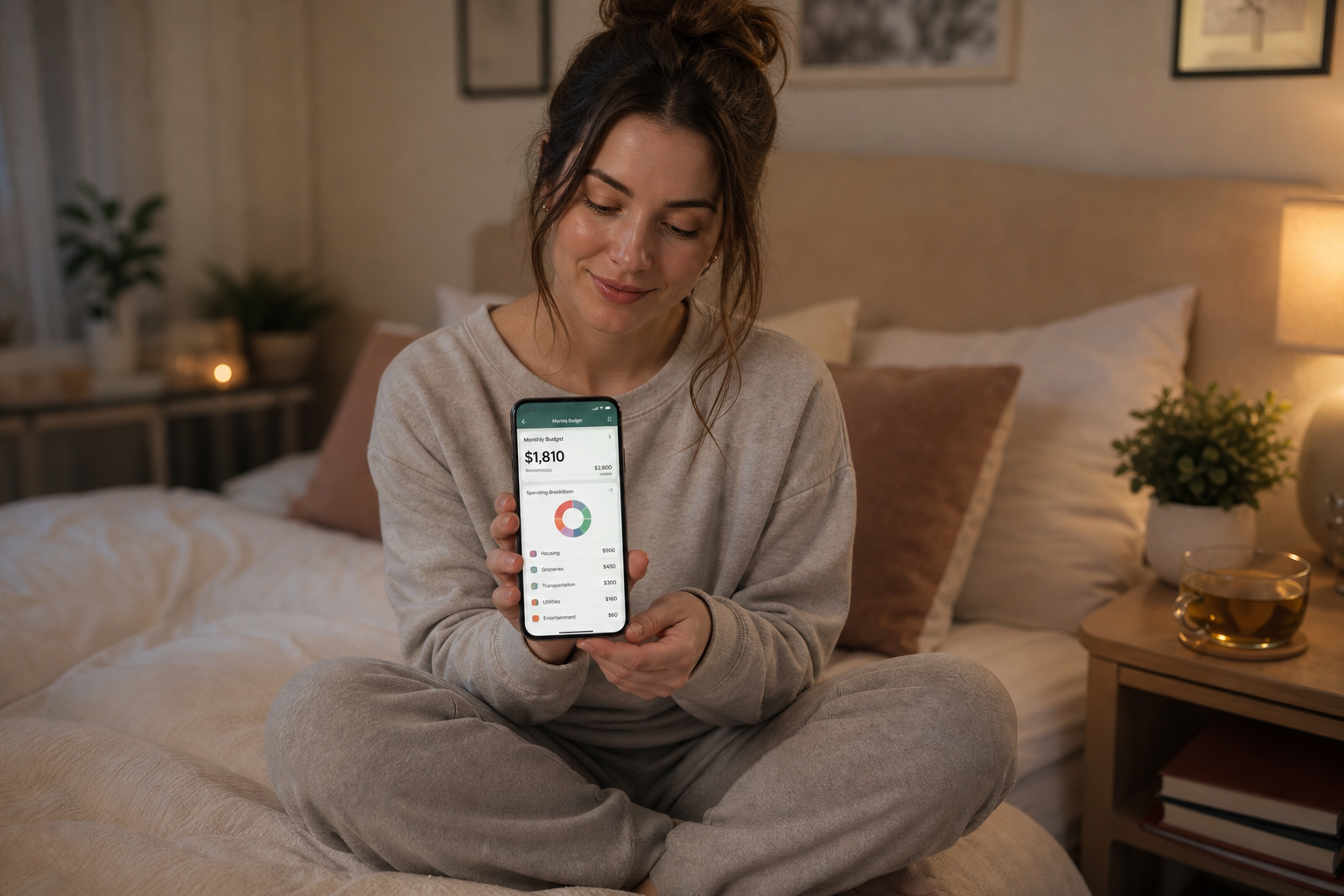
Switching from a bank-synced budgeting app to manual daily tracking takes less than 10 minutes. You do not need to export your data, transfer your history, or wait for the right moment. Start from today's position: note your current balance, calculate your monthly discretionary budget, and set your daily allowance from your next payday.
👉 Spendaily is built for exactly this switch. Set up in under 5 minutes, no bank connection, no historical data needed. Download free on iOS →
Why People Switch Away from Bank-Synced Apps
Bank-linked budgeting apps, Emma, Plum, Monzo's spending insights, Snoop, YNAB connected mode, were supposed to make budgeting effortless. For some people they do. For many others, the experience looks like this:
- Transactions are miscategorised and require constant correction
- Cash spending never appears, creating a false picture of actual costs
- The re-authorisation prompt arrives every 90 days and the habit breaks
- Notification volume for every card transaction creates anxiety, not clarity
- The bank you use is not fully supported, causing sync gaps
- Seeing all your transactions in one place creates overwhelm rather than control
If any of these sound familiar, a manual daily budgeting app is a natural alternative. And the switch is straightforward.
How to Switch: Step-by-Step
What you'll need:
- 10 minutes
- Your most recent payslip or last month's bank statement
- A list of your regular fixed outgoings
Step 1, Note your remaining budget for this month
Open your current budgeting app and find your remaining discretionary budget for the rest of the month. If you cannot find this figure, check your bank balance and subtract any known fixed costs still to come (e.g., rent due on the 28th, direct debits still pending).
This gives you your starting point. You do not need your full transaction history, just the current position.
Step 2, Calculate your monthly discretionary budget
From your last payslip or bank statement, identify:
- Monthly take-home pay (after tax)
- Total fixed monthly costs (rent, bills, subscriptions, debt repayments)
Subtract fixed costs from take-home. The result is your monthly discretionary budget, the amount you have for daily spending each month.
→ Full guide: Daily Budget Calculator
Step 3, Divide by days remaining in your pay cycle
Count the days from today to your next payday. Divide your remaining discretionary budget by this number. That is your daily allowance for the rest of this month.
Example: £400 remaining, 14 days until payday → £400 ÷ 14 = £28.57/day
From next month, set a fresh daily allowance from the start of your pay cycle using the full calculation.
Step 4, Set up Spendaily (or your chosen manual app)
- Download Spendaily on iOS
- Choose your budget period: calendar month (1st to end of month) or payday-to-payday
- Enter your monthly income (take-home figure)
- Enter your fixed costs, Spendaily subtracts these automatically
- The app shows your daily allowance immediately, with rollover enabled by default
That is the complete setup. No bank authorisation. No category configuration. No waiting.
Step 5, Start logging from today
You do not need to backfill historical data. Start fresh from today.
Every time you spend something, coffee, lunch, transport, anything discretionary, open Spendaily and log the amount. It takes 10-15 seconds. Your daily allowance updates in real time.
Do not try to enter everything from the last week retroactively. A clean start from today is more effective than trying to reconstruct the past.
Step 6, Cancel or pause your old app
Once you have completed a full day or two on your new system and it feels right, go into your old app and either:
- Cancel the subscription (for YNAB, Emma Premium, Plum Pro)
- Revoke the bank connection (Settings → Connected Accounts in most apps)
- Uninstall the app
Revoking the bank connection is worth doing explicitly, it removes the app's authorisation to access your account, rather than just deleting the app while the connection remains active.
How to revoke open banking connections by app:
- Emma: Settings → Accounts → select account → Remove Connection
- Plum: Settings → Connections → Disconnect
- Monzo: In Monzo app → Account → Connected Apps → Revoke
- YNAB: Settings → Budget Settings → Linked Accounts → Disconnect
- Snoop: App Settings → My Banks → Disconnect
Step 7, Run your first weekly check-in
At the end of your first week on manual tracking, spend 5 minutes reviewing:
- How did your daily allowance hold up across the week?
- Were there any days you significantly overspent or underspent?
- Does your daily number feel realistic, or does the fixed cost list need adjusting?
This single weekly review will tell you more about your actual spending patterns than months of automated categorisation.
→ How to build a daily spending routine: How to Track Your Expenses Daily Without Burning Out
Do I Need to Export My Data Before Switching?
For most people: no.
Your old app's historical data has limited value for daily budgeting going forward. You do not need to know what you spent in February to set your daily allowance for May.
The only scenario where exporting is worthwhile is if you need to:
- Complete a tax return using categorised expense data (self-employed)
- Dispute a transaction and need a record
- Review spending patterns for a specific purpose (e.g., visa application income proof)
In those cases, most apps offer a CSV export:
- Emma: Account → Transactions → Export CSV
- YNAB: Budget → All Accounts → Export to CSV
- Plum: Does not currently offer CSV export, screenshot your history if needed
- Monzo: Account → Statements → Export CSV (via web portal at monzo.com)
What to Do If You Have a Remaining Balance in Your Old App
If your old app has a premium subscription with remaining time:
- Most apps allow you to cancel and retain access until the renewal date
- You do not lose paid time by cancelling the subscription, it just will not renew
If you have money held in savings pots inside the app (e.g., Plum's savings pockets or Monzo Savings Pots), transfer these to your main bank account before closing the app connection. These are your funds, held by the underlying savings provider, and are fully accessible.
Manual Daily Budgeting vs Your Old App: What Changes
| Your Old Bank-Synced App | Spendaily (Manual) | |
|---|---|---|
| -- | -- | -- |
| What you see first | Last night's transactions | Today's spending allowance |
| Primary question answered | "What did I spend?" | "What can I spend today?" |
| Cash tracking | ❌ Not captured | ✅ You log it yourself |
| Bank connection | ✅ Required | ❌ Never needed |
| Re-authorisation | Every 90 days | Never |
| Main effort | Correcting categories | Logging each spend (10 sec) |
| Rollover | Usually not built in | ✅ Automatic |
The mental shift is from retrospective review to live awareness. Instead of checking last week's damage, you know today's position before you spend.
FAQ
How do I switch from Emma to a manual budgeting app? Download Spendaily, enter your income and fixed costs, and set your daily allowance from today. In Emma, go to Settings → Accounts → Remove Connection to revoke open banking access. You do not need to export your transaction history to start fresh.
How do I switch from YNAB to a manual budgeting app? Calculate your remaining discretionary budget for the current month, set it as your starting balance in your new app, and begin logging from today. In YNAB, go to Settings → Linked Accounts → Disconnect to remove bank authorisation. Export to CSV first if you need category records for tax purposes.
Do I need to export my data before switching budgeting apps? Usually not. For daily budgeting, you only need your current monthly income and fixed costs, not your transaction history. Export is only necessary if you need records for tax, visa applications, or dispute resolution.
Can I use Spendaily alongside my current bank app? Yes. Spendaily does not connect to any bank account, so it works independently of whatever banking app you already use. Many people use Spendaily for daily spending tracking alongside Monzo or Starling for banking.
What happens to money in Plum or Monzo savings pots when I switch? Savings pots in Plum and Monzo are your money, held by the underlying savings provider. Transferring them back to your current account is straightforward from within the app and does not depend on any third-party budgeting connection.
Is it safe to revoke open banking connections? Yes. Revoking a connection removes the app's authorisation to access your account. It does not affect your bank account itself. Your bank will send confirmation, and the app will no longer be able to read your transactions.