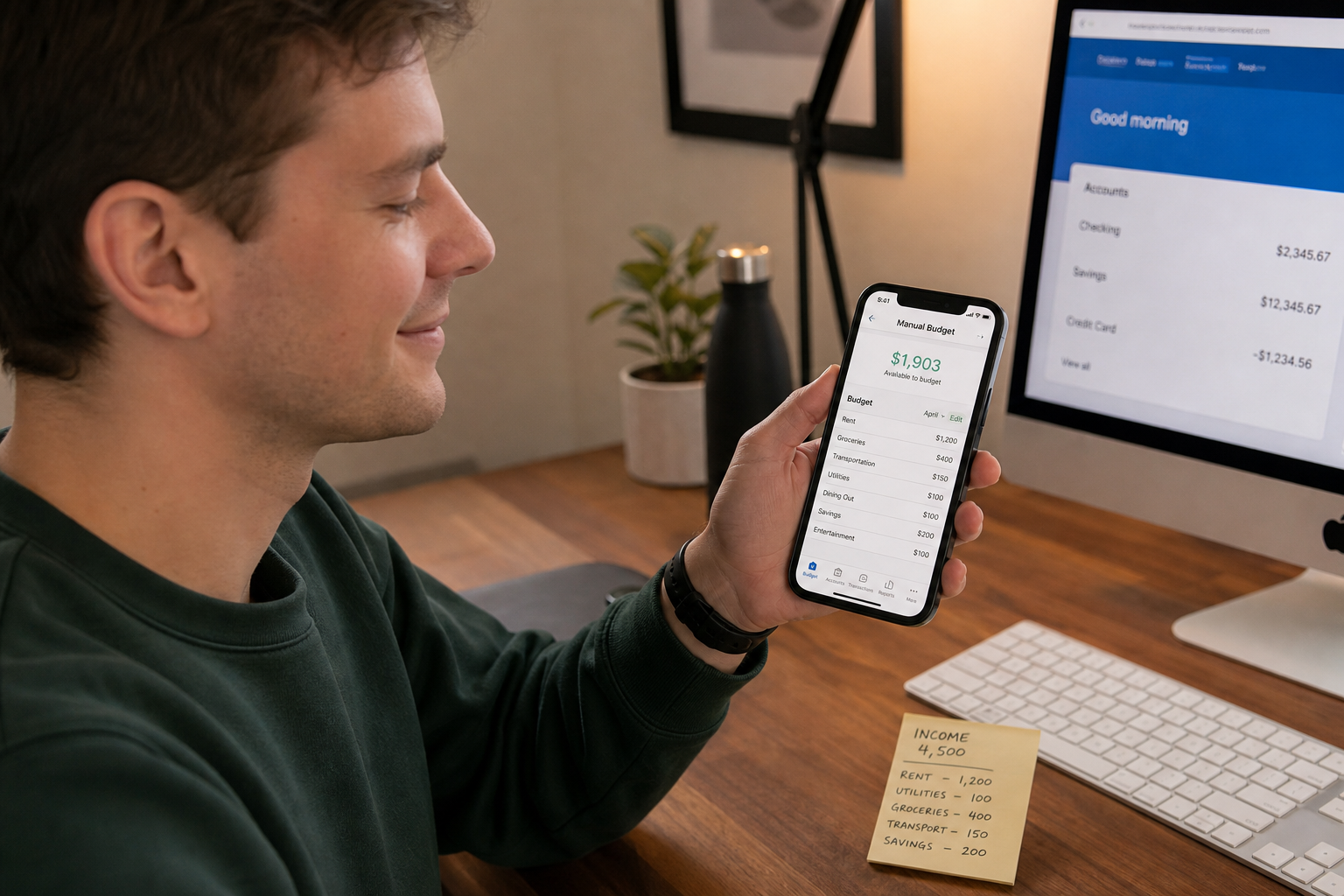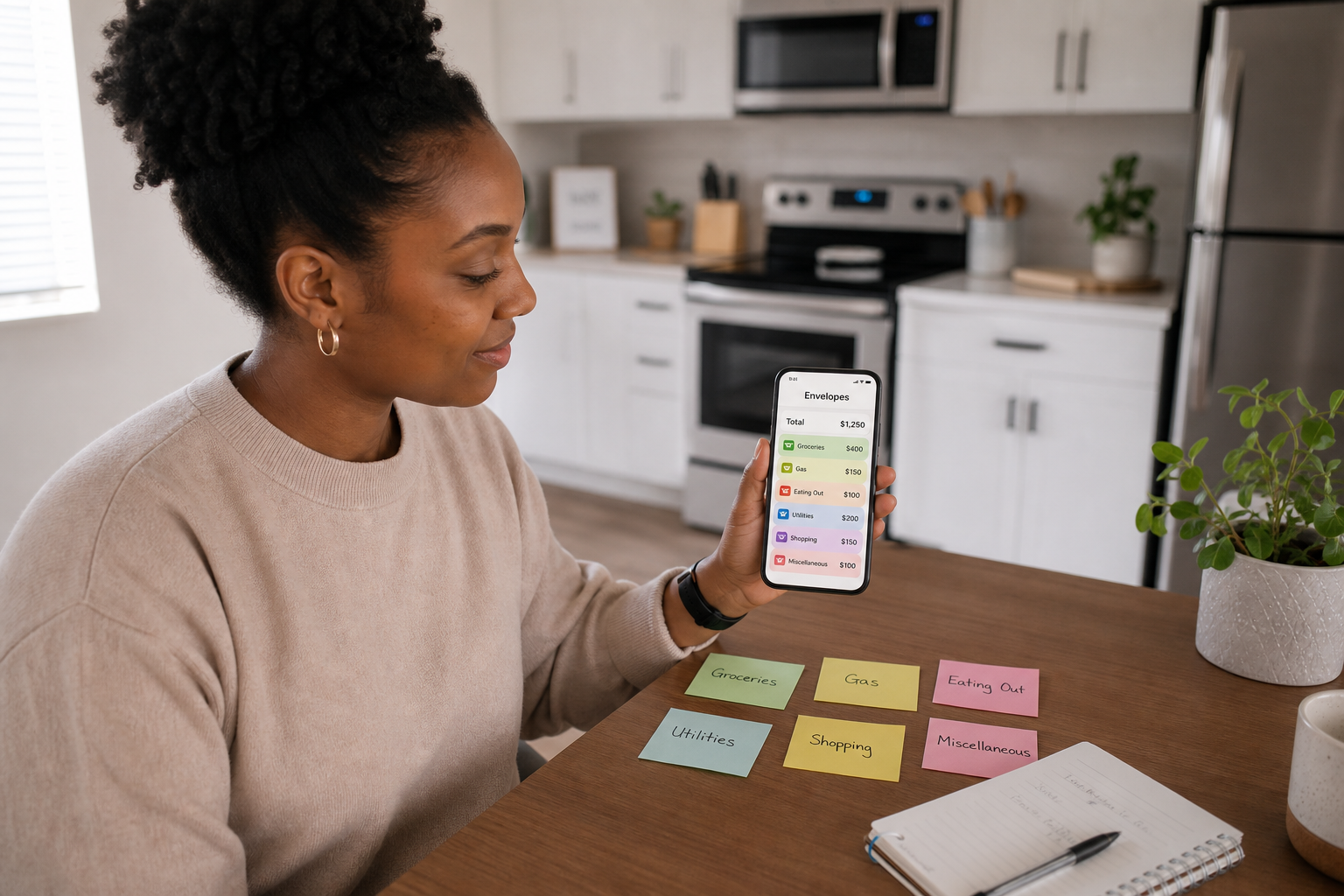
You can budget perfectly well without giving any app access to your bank account. A no-bank-link budget simply means you track income and spending manually instead of letting an app read your transactions via open banking. Done right, manual daily budgeting is just as accurate as bank-linked budgeting for your day-to-day spending, and it comes with three advantages: more privacy, better awareness, and support for cash.
👉 Spendaily is a manual-first daily budget app, no bank link, no credentials, just your numbers. Download free on iOS →
Why Some People Don’t Want to Link Their Bank
Most UK "best budgeting app" lists assume you’ll connect your bank so the app can import transactions automatically.
That’s convenient, but there are good reasons people choose not to:
- Privacy: Bank-linked apps see your transaction history, merchants and sometimes other accounts. Even with GDPR, some people simply prefer not to share this data.
- Security comfort: You may be technically safe using open banking, but not everyone is comfortable granting third-party access.
- Coverage gaps: Many bank-linked apps don’t support smaller banks, credit unions, prepaid cards or non-UK accounts.
- Cash use: Automatic import can’t see cash spending; manual logging handles both cards and cash the same way.
Manual-first budgeting apps and guides exist for exactly these users.
What "No Bank Link" Means (and What It Doesn’t)
"No bank link" means:
- You never share your bank login or card credentials with the app
- The app doesn’t use open banking aggregators to pull your transactions
- Everything in the app is there because you typed it or imported a file
It does not mean:
- You can’t keep your data in the cloud (many manual apps sync encrypted data between your devices)
- You’re less accurate (if you log consistently, you can be more accurate than auto-import, which misses cash and small accounts)
Koody and MoneyPeas, for example, explicitly market themselves as usable entirely without bank linking, with manual accounts and cash buckets. Open-source tools like Actual Budget can even be self-hosted so data never leaves your own hardware.
How Manual Daily Budgeting Works (Step-by-Step)
You can run a private, manual daily budget in an app like Spendaily, in another manual app, or even in a spreadsheet.
Step 1, Set your period and income
- Choose a budget period (payday to payday works best)
- Add up all income that will arrive during that period (salary, benefits, regular side income)
Step 2, Subtract fixed costs
- Rent / mortgage
- Utilities and council tax
- Phone, broadband
- Transport pass
- Debt minimums
- Subscriptions you’re keeping
Step 3, Calculate your daily allowance
- Subtract fixed costs from income
- Divide what’s left by the number of days in the period
This number is your daily allowance: the amount you can spend on everything else (food, fun, small purchases) without breaking the period.
Step 4, Log every purchase manually
- Each time you spend, open the app or spreadsheet
- Enter the amount (category is optional in a daily budget)
- The app updates your remaining allowance for today, and, with rollover, tomorrow
Step 5, Adjust when reality changes
- If a new bill appears, subtract it from the period total and let the app recalculate
- If extra income arrives, add it and recalculate
At no point does an app need to read your bank.
Accuracy: Manual vs Bank-Linked
Manual budgeting is only "less accurate" if you don’t log.
Budgeting guides that compare manual and open-banking apps point out the same trade-off: manual apps can be more accurate for discretionary spending because they capture cash and spending from all sources, but only if you build a habit of quick, regular entry.
Bank-linked apps, by contrast:
- Can miss pending transactions for 24-48 hours
- Can’t see cash or some prepaid cards
- Sometimes mis-categorise spending, requiring manual correction anyway
If your goal is daily control rather than detailed analytics, a 5-second manual log is often a better fit than complex auto-import.
Open Banking and the 90-Day Rule (Why Manual Still Matters)
In the UK, open banking rules used to require you to re-authenticate every 90 days with Strong Customer Authentication, a process that caused many users to drop off.
The FCA updated the rules so that now:
- You authenticate with your bank once when you first connect
- After that, you only need to re-confirm consent every 90 days with the budgeting app (AISP)
This is better for user experience, but it still means:
- You have ongoing consent prompts from every app you’ve connected
- Third-party providers hold long-lived tokens to your account data
For users who simply don’t want this, a no-bank-link manual budget remains the cleanest option.
Tools That Work Well Without Bank Linking
Budgeting content and app roundups now routinely include "manual-first" tools for privacy-focused users:
- Spendaily: daily allowance with rollover and goals. Manual-first; no bank linking at all.
- Koody: UK budgeting app with manual "cash buckets" and optional CSV import; bank linking is optional, not required.
- MoneyPeas: free, manual-only tracker, built explicitly for people who don’t want bank access.
- Goodbudget: envelope budgeting with manual entry; designed for couples and households.
- Actual Budget / other self-hosted tools: for maximum privacy, at the cost of setup complexity.
Pros and Cons of No-Bank-Link Budgeting
| Aspect | Manual / no bank link | Bank-linked apps |
|---|---|---|
| Privacy | ✅ No credentials shared, full control over data | ⚠️ Third parties see transactions (within regulations) |
| Coverage | ✅ Works with any bank, cash, prepaid | ⚠️ Limited to supported banks/accounts |
| Accuracy (if diligent) | ✅ Captures cash + all sources | ⚠️ Misses cash; can delay or mis-categorise |
| Effort | ❌ Requires daily logging | ✅ Low daily effort (if links work) |
| Reliability | ✅ No dependence on APIs or bank outages | ⚠️ Depends on open banking connections |
| Analytics | ⚠️ Simple unless you add categories | ✅ Strong category and trend analysis |
For many people, the trade is worth it: a few seconds per purchase in exchange for more privacy and control.
FAQ
What is a no-bank-link budget? A no-bank-link budget is a budgeting system where you don’t connect your bank account to any app. You enter income and spending manually instead of letting an app read your transactions via open banking.
Are manual budgets less safe than open-banking budgets? Manual budgets are safer from a data-sharing perspective because your bank credentials and transactions never leave your bank. Open-banking apps are regulated and use secure APIs, but they still involve sharing data with third-party providers. Manual apps avoid that entirely.
Isn’t manual budgeting too much effort? It’s more effort than doing nothing, but not as much as it sounds. Logging 5-10 transactions per day takes under a minute if the app is designed well. Many privacy-focused apps optimise for this and budgeting experts argue the awareness boost from typing each spend is a feature, not a bug.
Can I start manual and switch to bank-linked later? Yes. You can begin with a manual daily budget to build awareness and, if you later decide you’re comfortable with open banking, move to a bank-linked tool or turn on sync in an app that supports both (like Koody or Actual Budget).
Does Spendaily link to your bank? No. Spendaily is intentionally manual-only. You add income and spending yourself, which means it works with any bank, supports cash, and never needs open-banking permissions.
Keep reading: Best Budgeting Apps Without Bank Linking (2026): Manual Picks, Why a Budget App Without Bank Linking Can Be Better and How to Switch from Bank-Synced Apps to Manual Budgeting.