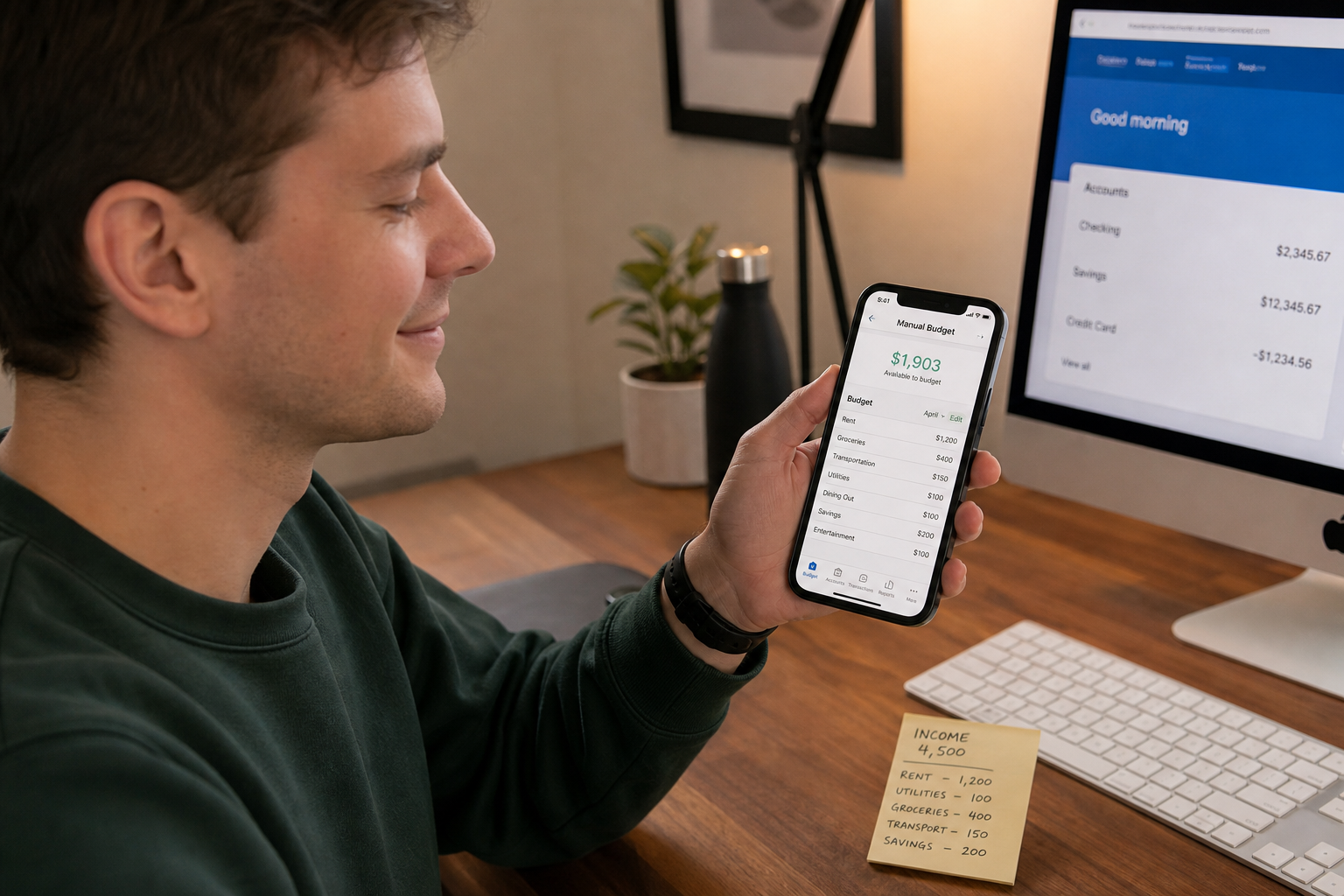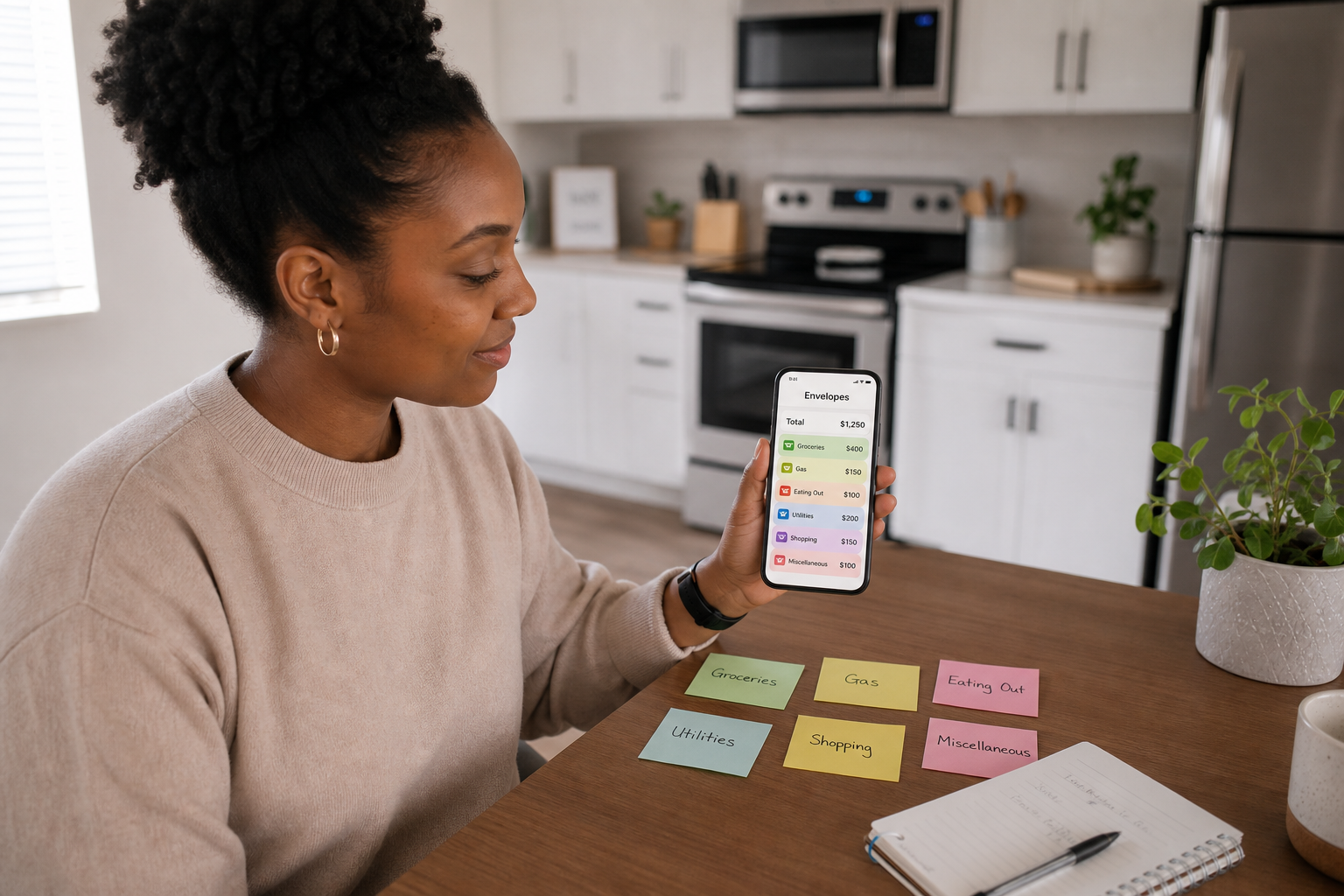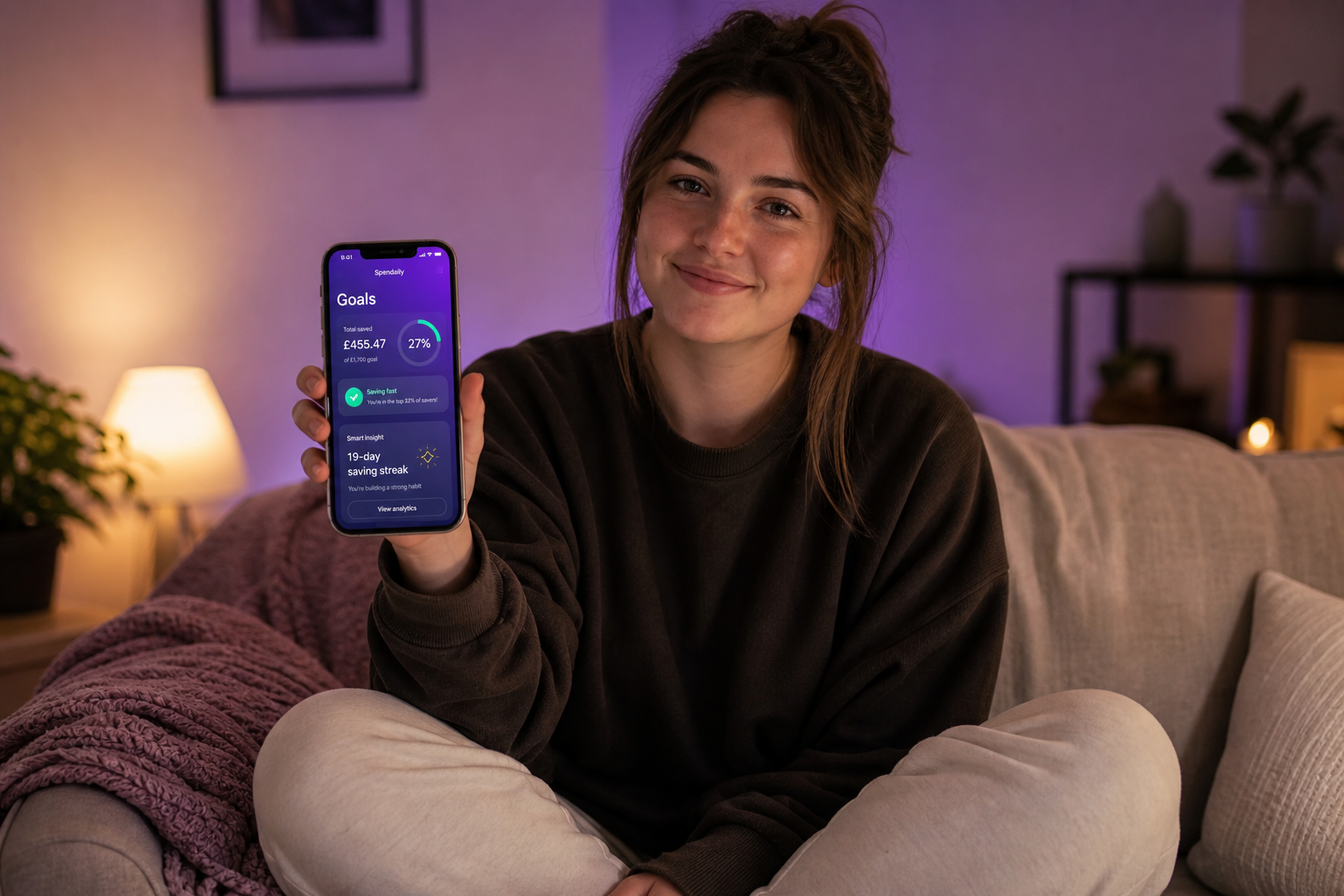
A budgeting app without bank linking can be better for your money because it gives you more privacy, faster setup, and stronger spending awareness. Instead of pulling every transaction automatically, it asks you to enter what matters, and that small bit of friction often creates better financial attention, especially for discretionary spending.
👉 Spendaily never connects to your bank. Set your daily allowance once and track spending with full privacy. Download free on iOS →
The Case Against Always-On Bank Syncing
Bank-linked budgeting apps, Emma, Plum, Monzo's spending tracker, YNAB's connected mode, work by reading your bank transactions in real time via open banking APIs. The pitch is automation: no manual entry, your spending categorised automatically, insights delivered without effort.
It sounds ideal. In practice, for a growing number of people, it creates more problems than it solves.
Here is an honest look at both sides.
Manual vs Bank-Linked: The Real Comparison
| Manual (No Bank Link) | Bank-Synced | |
|---|---|---|
| -- | -- | -- |
| Privacy | ✅ Full, zero financial data shared | ❌ Transaction history held by third party |
| Data accuracy | ✅ 100%, you control every entry | ⚠️ Miscategorisation, duplicate entries common |
| Cash spending | ✅ Captured perfectly | ❌ Invisible unless entered manually |
| Setup friction | ✅ Under 5 minutes | ⚠️ 10-20 mins (authorisation, bank selection, categories) |
| Works with all banks | ✅ Any bank, card, or payment method | ⚠️ Depends on open banking compatibility |
| No bank account needed | ✅ Yes | ❌ No |
| Re-authorisation required | ✅ Never | ❌ Every 90 days (FCA rule for open banking) |
| Spending awareness effect | ✅ Higher, deliberate logging creates attention | ⚠️ Lower, automation can enable avoidance |
| Notification overload risk | ✅ Low | ❌ High, every transaction triggers alerts |
1. Privacy: You Share No Financial Data
Open banking is regulated in the UK by the Financial Conduct Authority (FCA), and reputable providers meet those standards. But regulation is not the same as privacy.
When you connect a budgeting app to your bank, that app's servers receive and store:
- Your full transaction history
- Your salary and any other income deposits
- Merchant names, locations, and payment amounts
- Your bank balance
- Any standing orders, direct debits, and their payees
This data is held under the app provider's privacy policy, not your bank's. If the company is acquired, goes under, or changes its terms, your financial history goes with it.
With a manual budgeting app like Spendaily, you share only what you choose to enter. There are no bank credentials, no API tokens, and no transaction feed. Nothing can be leaked or misused, because it was never held.
→ Full guide to privacy-first budgeting options: Budgeting Apps Without Bank Connections
2. Accuracy: Manual Entry Captures What Syncing Misses
Bank-synced apps have a persistent accuracy problem that rarely gets discussed honestly:
Cash spending is invisible. If you pay a market stall, a babysitter, a local café that does not take card, or split a dinner in cash, none of that appears in your bank feed. Your spending tracker thinks you spent less than you did.
Miscategorisation is common. Automated categorisation gets it wrong regularly. A transaction at "WH Smith" might be filed under "Entertainment" when it was a work notebook. A supermarket transaction split between food and alcohol gets one category. Amazon purchases can span seven categories. Correcting these takes effort that supposedly automation was meant to eliminate.
Duplicate entries from credit and debit cards. If you pay on a credit card and also have that current account synced, your food shop may appear twice, once when charged to the card, once when you pay the card off.
Peer-to-peer and shared expenses. Monzo Pots transfers, PayPal transfers, Revolut transactions, and Wise payments often fail to categorise correctly, especially for people managing shared household budgets.
Manual entry eliminates all of these issues. When you log a transaction, it is correct, because you put it there.
3. Spending Awareness: The Friction That Actually Helps
This is the finding that surprises most people.
Research into financial behaviour consistently shows that people who manually log their spending make better in-the-moment decisions than those who rely on automatic syncing. The act of logging, even 10-15 seconds per transaction, forces a moment of awareness that automated tracking bypasses entirely.
With a bank-synced app, the mental model becomes: "I'll check it later." Spending happens first; awareness comes second. Often, much later.
With manual logging, the sequence reverses. You are aware of the purchase at the moment of logging. Over days, the cumulative effect is noticeably different spending behaviour, not because you are being punished by friction, but because you are actually paying attention.
This is why Spendaily is built around the daily number, not the transaction list. The goal is not to make you audit every purchase retrospectively, it is to give you one number that makes the decision simple in real time.
4. Reliability: No Re-Authorisation Every 90 Days
Under UK open banking regulations, users must re-authorise their bank connections every 90 days. For most budgeting apps that rely on bank syncing, this means a regular prompt to reconnect, which many users ignore, causing their tracker to go silent and data gaps to appear.
Manual apps have no such expiry. Spendaily works the same on day 1 as it does on day 365. There is nothing to reconnect, nothing to reauthorise, and no risk of your budget tracker quietly going blank because a token expired.
5. Works for Everyone, Every Payment Method
Bank-linked apps require a bank account that is supported by open banking. That excludes:
- Prepaid cards (common for students and young people managing a strict budget)
- Some challenger banks without full open banking support
- Business accounts used for freelance income
- Foreign bank accounts for expats or people with international income
- Cash income from shifts, freelancing, or informal work
Manual budgeting apps work for all of these, because they are simply a ledger, not a connection.
When Bank-Linked Apps Are Better
This is an honest guide, not a sales piece. Bank-linked apps have real advantages:
- Very low manual effort: if you hate logging, automation removes a barrier entirely
- Detailed category insights: for people who genuinely want to know they spent £340 on food vs £120 on eating out
- Savings rules and round-ups: apps like Monzo and Plum can automate micro-savings in ways manual apps cannot
- Good for passive monitoring: if you are not trying to change behaviour, just observe it
The honest trade-off: if you want to change your spending behaviour, manual tracking with a daily number tends to outperform automated category monitoring. If you want to observe your spending patterns passively, bank-syncing does that more conveniently.
FAQ
Is it worth using a budgeting app that doesn't link to your bank? Yes, especially if you value privacy, use cash, or have found bank-linked apps inaccurate or overwhelming. Manual apps require more active engagement but often produce better results for discretionary spending control.
Are manual budgeting apps accurate? Manual apps are as accurate as the entries you make. When you log all transactions, including cash, they are actually more accurate than bank-synced apps, which miss cash entirely and frequently miscategorise card transactions.
Why do budgeting apps ask for bank access? Bank-linked apps use open banking APIs to automatically import your transaction history. This reduces setup friction but requires you to share your financial data with a third party and re-authorise the connection every 90 days.
Do I have to reconnect a manual budgeting app to my bank? No. Manual apps like Spendaily do not connect to your bank at all, so there is nothing to reconnect or reauthorise. They work independently of any bank account.
What's the difference between Emma, Plum, and a manual budget app? Emma and Plum both use open banking to sync your transactions automatically and offer insights, savings rules, and subscriptions tracking. Manual apps like Spendaily focus instead on giving you a daily spending number without any bank connection or data sharing.
Does manually tracking spending really make a difference? Yes. The act of logging a purchase, even briefly, creates a moment of spending awareness that automated tracking skips. Studies in financial behaviour consistently show that active engagement with spending data produces better outcomes than passive monitoring.