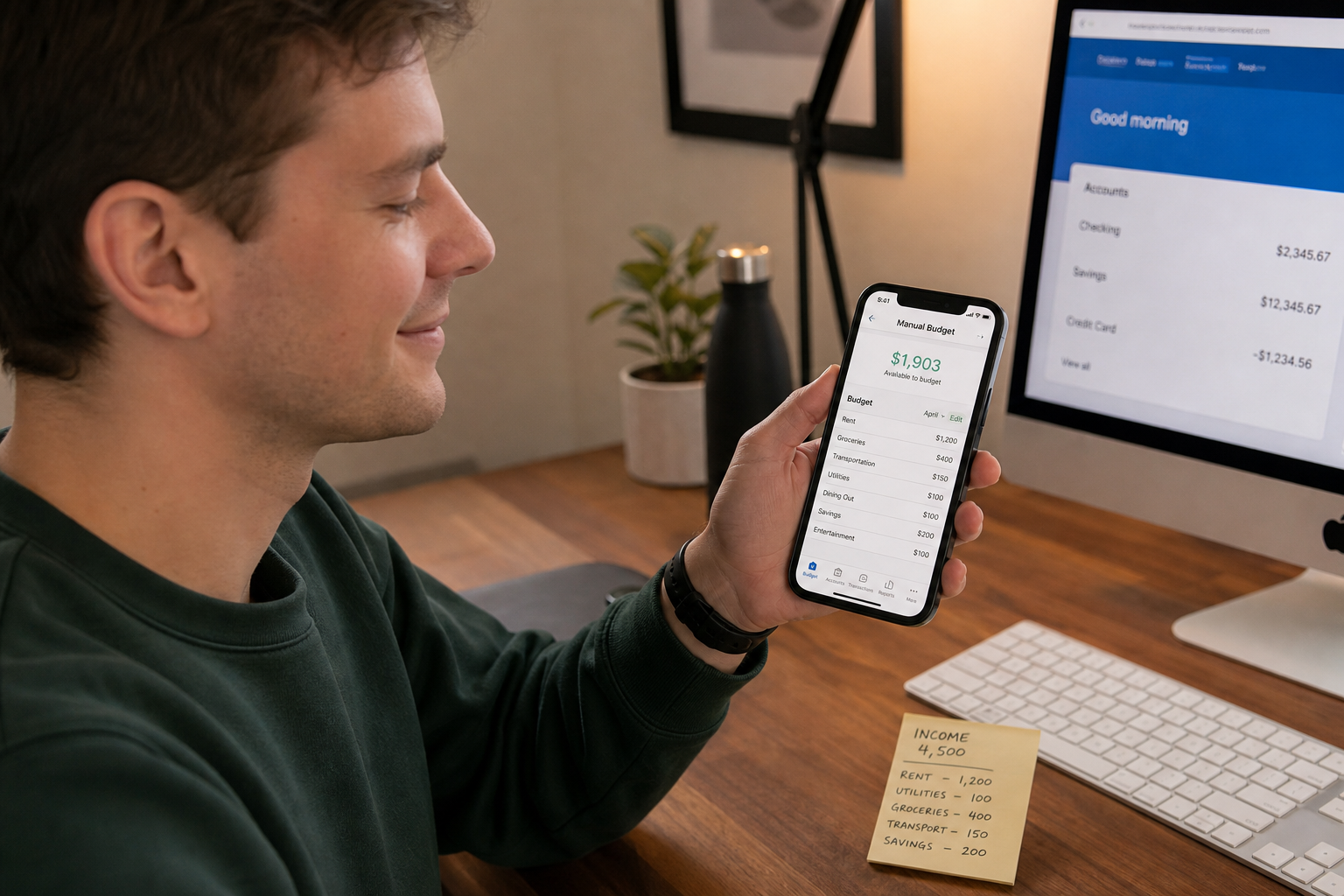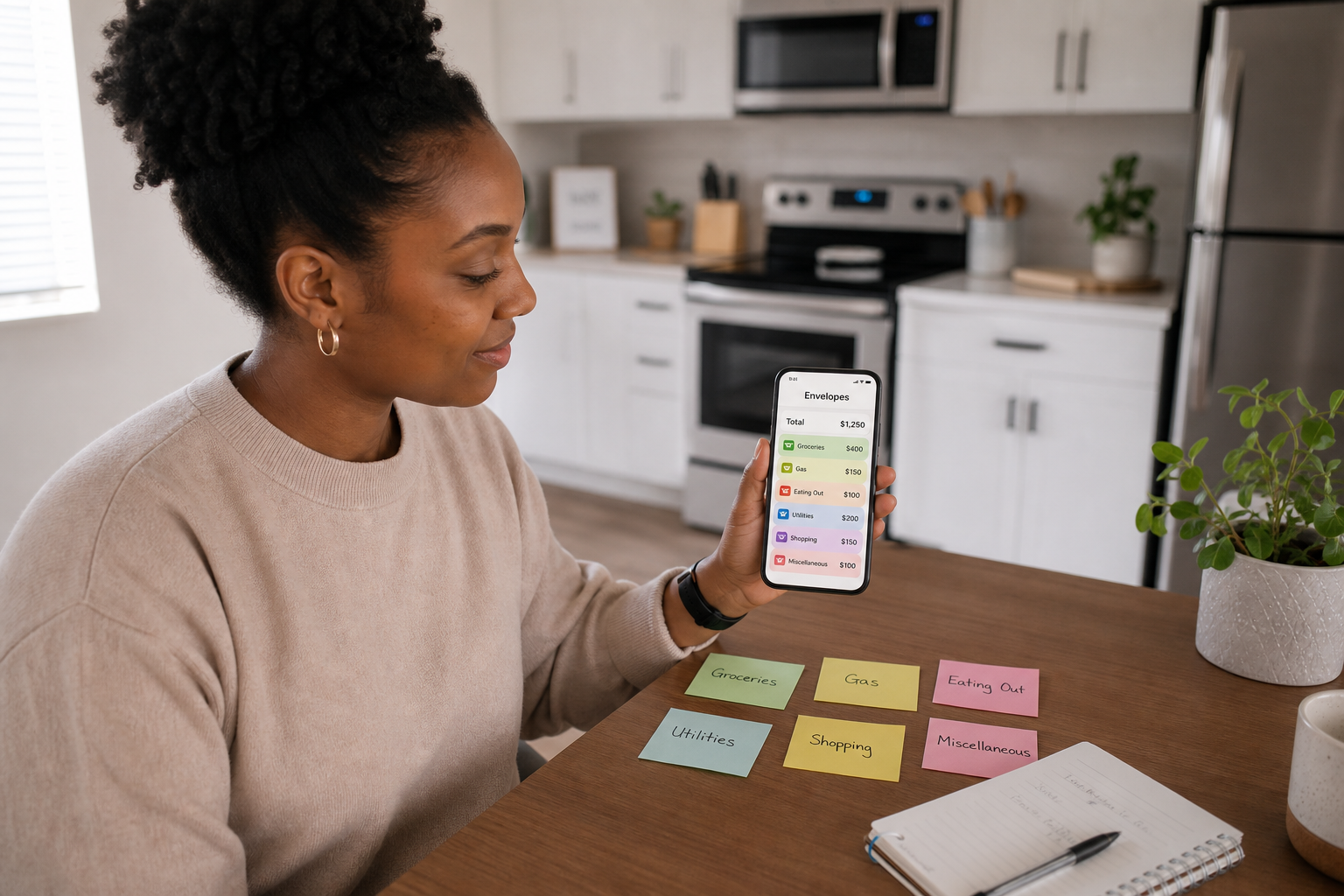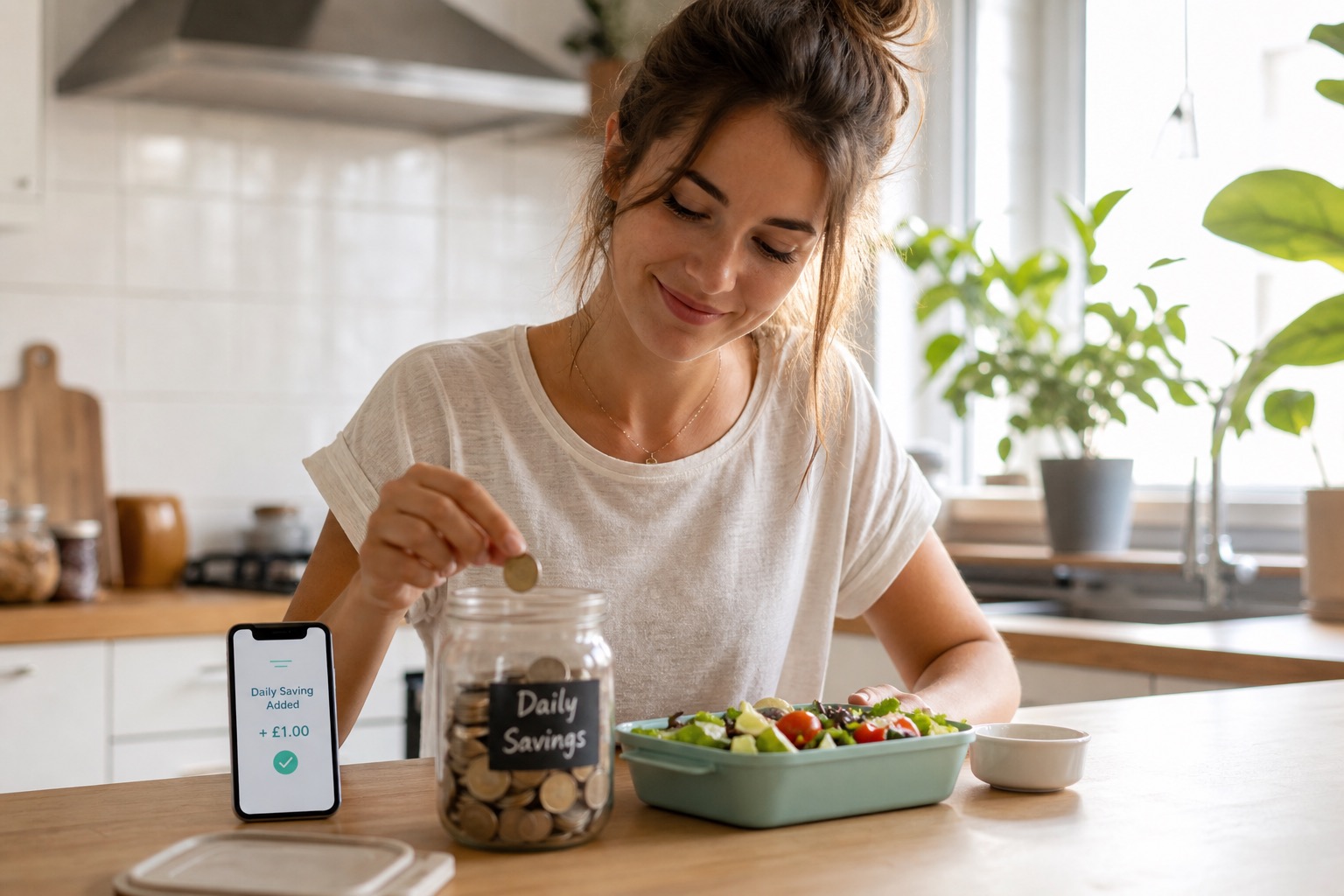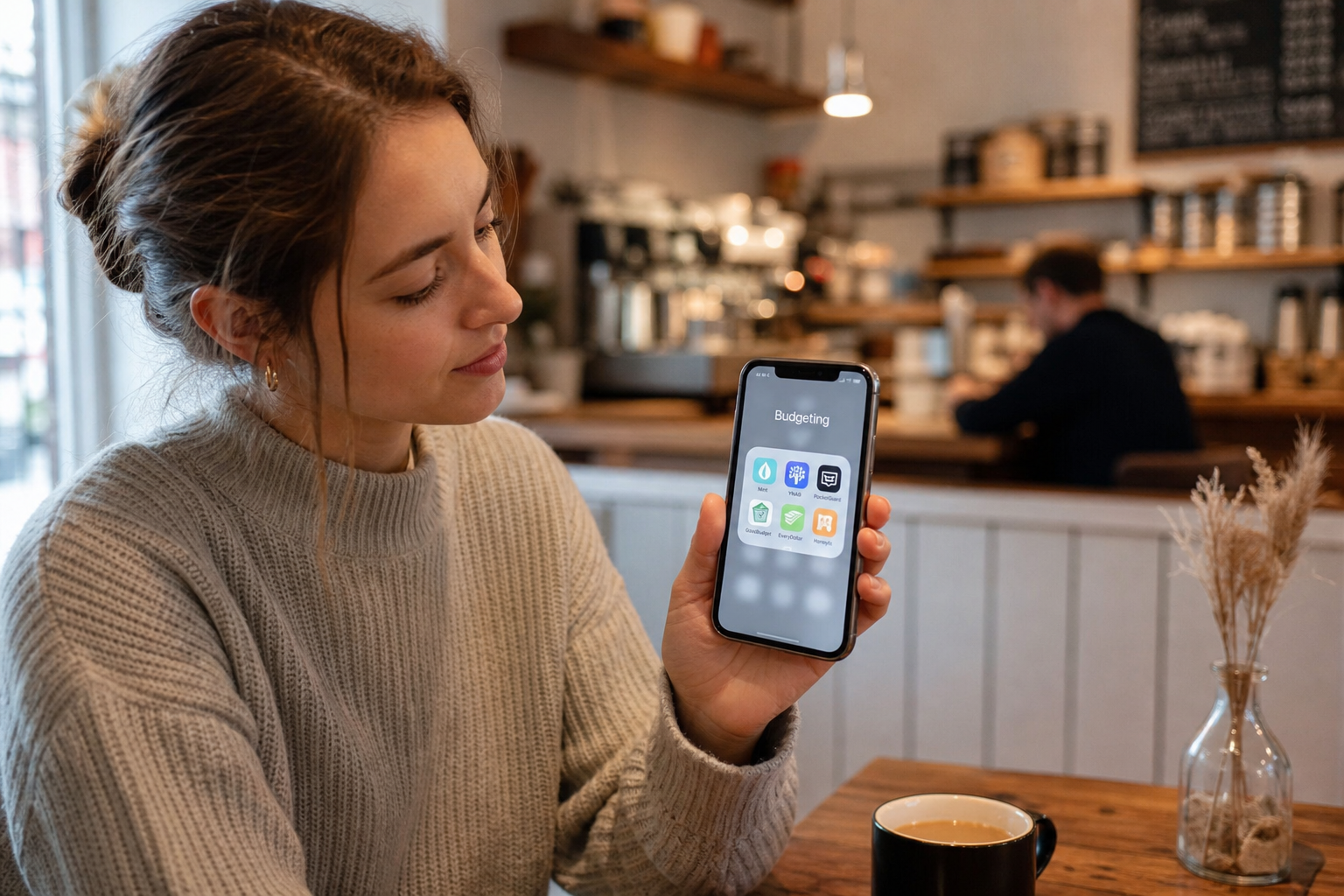
A daily budget app is not just any budgeting app, it is one specifically built around a single daily spending allowance rather than monthly totals or category breakdowns. The best daily budget apps show you what you can spend today, update that number in real time as you log purchases, and roll unused allowance forward automatically. Most "best budgeting apps" lists do not include any true daily budget apps, they list bank-synced monthly trackers. This guide covers the distinction and how to choose correctly.
👉 Spendaily is the UK's dedicated daily budget app. One daily number, automatic rollover, no bank connection. Download free on iOS →
What Makes an App a "Daily Budget App"?
The term "budgeting app" covers an enormous range of products that work very differently.
A general budgeting app, YNAB, Emma, Snoop, Monzo's spending tracker, is primarily designed to categorise past transactions, show monthly totals, and help you review where your money went. These are retrospective tools. They answer: "What did I spend?"
A daily budget app is designed for a different purpose: to tell you what you can spend right now. The distinction is not cosmetic, it changes everything about how the app is used, how it makes you feel, and whether it actually improves your day-to-day decisions.
A true daily budget app must:
- Show a single daily spending number as the primary screen, not a monthly total, not a category breakdown
- Update that number in real time as you log purchases throughout the day
- Carry unused allowance forward (rollover) when you underspend
- Adjust downward proportionally when you overspend, without breaking the budget or triggering anxiety
- Require minimal setup and daily effort to maintain
Most apps that call themselves budgeting apps meet none of these five criteria.
The 6 Features to Look for in a Daily Budget App
Feature 1, A Live Daily Allowance as the Home Screen
The most important feature. Your daily allowance should be the first thing you see when you open the app, not a transaction list, not a monthly chart, not a category breakdown. If you have to navigate to find your daily number, the app is not built around daily budgeting.
Why it matters: The daily number only influences spending decisions if it is visible before you spend, not buried in a submenu.
Feature 2, Automatic Rollover
Rollover is what distinguishes a daily budget from a daily restriction. Without rollover, underspending on Monday produces no benefit. With rollover, Monday's surplus makes Tuesday better, which is the positive reinforcement that makes daily budgeting sustainable.
What to check: Does the app roll unspent allowance forward automatically? Or does each day reset independently? An app that resets daily without rollover is a restriction tool, not a budget tool.
Feature 3, Fast, Frictionless Logging
Each purchase should take under 15 seconds to log. If the app requires you to: select a category, choose a date, enter a note, and confirm, that is too much friction. The habit will break within two weeks.
What to check: How many taps does it take to log a £4.50 coffee? The answer should be two: open app, type amount, done.
Feature 4, No Bank Connection Required
Bank-linked daily budget apps create a fundamental tension: if the app depends on syncing, any gap in the sync (90-day re-authorisation, connectivity issues, unsupported bank) breaks your budget data. A daily budget app that works without bank access is more reliable, more private, and more universally compatible.
What to check: Is bank linking optional or required? If required, does the app still function without it?
Feature 5, Savings Goals Funded by Rollover
The natural evolution of daily underspending is goal-directed saving. The best daily budget apps let you name a goal (new headphones, a trip, a course) and automatically allocate daily surplus toward it. This turns frugal days from a neutral event into visible progress toward something you want.
What to check: Can you create named savings goals? Does the daily rollover surplus feed them automatically?
Feature 6, Budget Period Flexibility
Not everyone is paid monthly. Students receive termly loan instalments. Shift workers may be paid weekly. Freelancers have irregular income. A daily budget app should allow you to set your own budget period, calendar month, payday-to-payday, or a custom term length, and recalculate the daily allowance accordingly.
What to check: Can you set a custom pay cycle? Does the app recalculate correctly when you update income mid-cycle?
Daily Budget Apps vs General Budgeting Apps: The Key Differences
| Feature | Daily Budget App | General Budgeting App |
|---|---|---|
| Primary screen shows | Today's daily allowance | This month's category totals |
| Core question answered | "What can I spend today?" | "What did I spend this month?" |
| Rollover | ✅ Built in | ❌ Usually absent |
| Bank link | ❌ Not needed | ✅ Often required |
| Setup time | Under 5 minutes | 20-60 minutes |
| Category tracking | Optional or absent | Core feature |
| Point-of-purchase use | ✅ Immediate answer | ❌ Not designed for it |
| Handles variable income | ✅ Yes | ⚠️ Difficult |
| Example apps | Spendaily, Daily Budget Original | YNAB, Emma, Snoop, Monzo |
The Most Common Mistake When Choosing a Budgeting App
The most common mistake is choosing a general budgeting app when what you actually need is a daily budget app.
The trigger for this mistake: you search "best budgeting apps" and read a roundup on NerdWallet, Experian, or Which?. Every article on the first page lists YNAB, Emma, Snoop, PocketGuard, Monarch. All of these are monthly category trackers or bank-synced tools, excellent in their own right, but none of them are primarily daily budget apps.
You download one, spend an hour setting up categories, and within two weeks you have abandoned it, because it tells you about last week rather than helping you decide about right now.
The question to ask before choosing any budgeting app: "Will this tell me what I can spend today, before I spend it?" If the answer is no, it is not a daily budget app.
App-by-App Feature Check: 2026
| App | Daily allowance | Rollover | Bank link | Goals | Free | UK available |
|---|---|---|---|---|---|---|
| Spendaily | ✅ Primary feature | ✅ Automatic | ❌ Never | ✅ Named goals | ✅ Free | ✅ Yes |
| Daily Budget Original | ✅ Primary feature | ✅ Manual | ❌ No | ❌ Limited | ✅ Free (ads) | ✅ Yes |
| PocketGuard | ✅ "In My Pocket" | ❌ No | ✅ Required | ✅ Yes | ⚠️ Limited | ⚠️ US-focused |
| YNAB | ⚠️ Via reports | ❌ No | Optional | ✅ Strong | ❌ Paid (£89/yr) | ✅ Yes |
| Emma | ❌ Not primary | ❌ No | ✅ Required | ❌ Limited | ⚠️ Limited | ✅ Yes |
| Snoop | ❌ Not primary | ❌ No | ✅ Required | ❌ No | ✅ Generous | ✅ Yes |
| Goodbudget | ⚠️ Via envelopes | ❌ No | ❌ No | ✅ Yes | ✅ 10 envelopes | ✅ Yes |
Note on PocketGuard: Its "In My Pocket" feature is the closest US equivalent to Spendaily's daily allowance concept, it shows a single "safe to spend" number. However, it requires bank linking, has limited UK bank support, and does not have rollover.
How to Choose: Decision Guide
Choose Spendaily if:
- You want a daily number above everything else
- You do not want to connect bank accounts
- You are a student, shift worker, or have irregular income
- You have tried monthly budgeting and found it unsustainable
- You want the simplest possible setup
Choose Daily Budget Original if:
- You want extreme minimalism with no extras
- You are happy with manual rollover management
- You prefer an ad-supported free app with no account creation
Choose YNAB if:
- You want zero-based budgeting with full category detail
- You are focused on debt payoff or building savings aggressively
- You are willing to pay £89/year and invest in learning the system
Choose Emma or Snoop if:
- You want bank-synced automatic tracking
- You are comfortable sharing banking credentials via open banking
- You want subscription tracking and bill switching suggestions
Choose Goodbudget if:
- You want manual envelope budgeting with category pots
- You are budgeting as a couple or shared household
- You want access on multiple devices simultaneously
→ Full app comparison: Best Daily Budget Apps and Spending Trackers in 2026 → Why no bank connection is better: Why a Budget App Without Bank Linking Can Be Better
FAQ
What is a daily budget app? A daily budget app shows you a single daily spending allowance, what you can spend today, updated in real time as you log purchases. It differs from a general budgeting app, which tracks monthly spending across categories retrospectively.
What features should a daily budget app have? The six essential features are: a live daily allowance as the home screen, automatic rollover, fast frictionless logging, no mandatory bank connection, savings goals funded by rollover surplus, and budget period flexibility for non-monthly income cycles.
What is the best daily budget app for iPhone in 2026? Spendaily is the best daily budget app for iPhone in 2026. It is free on iOS, built around a live daily spending allowance with automatic rollover, and requires no bank connection. Daily Budget Original is the best alternative for users who want the simplest possible experience.
Is PocketGuard a daily budget app? PocketGuard has a "In My Pocket" feature that shows a safe-to-spend number, making it the closest US equivalent to a daily budget app. However, it requires bank linking, has limited UK support, and does not include daily rollover. It is a hybrid between a daily snapshot and a general budget tracker.
Do daily budget apps require bank access? No. The best daily budget apps, Spendaily and Daily Budget Original, work entirely without bank access. You log purchases manually. This gives more privacy, works with any payment method including cash, and eliminates the 90-day re-authorisation requirement of open banking connections.
How is a daily budget app different from a spending tracker? A spending tracker records what you have spent. A daily budget app tells you what you can spend right now. A spending tracker is retrospective; a daily budget app is prospective. Some apps (like Spendaily) function as both: they track spending and use that data to update your real-time daily allowance.