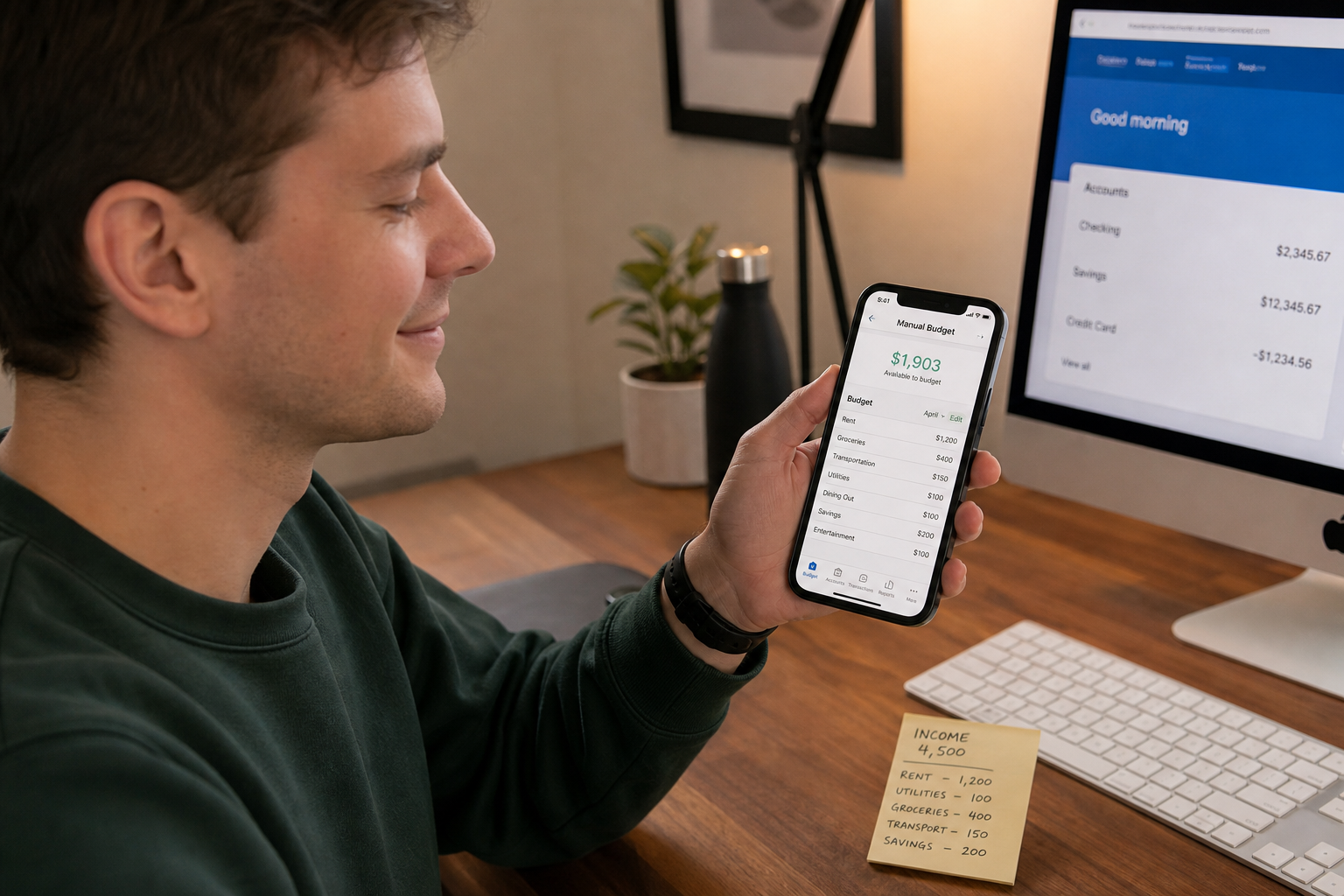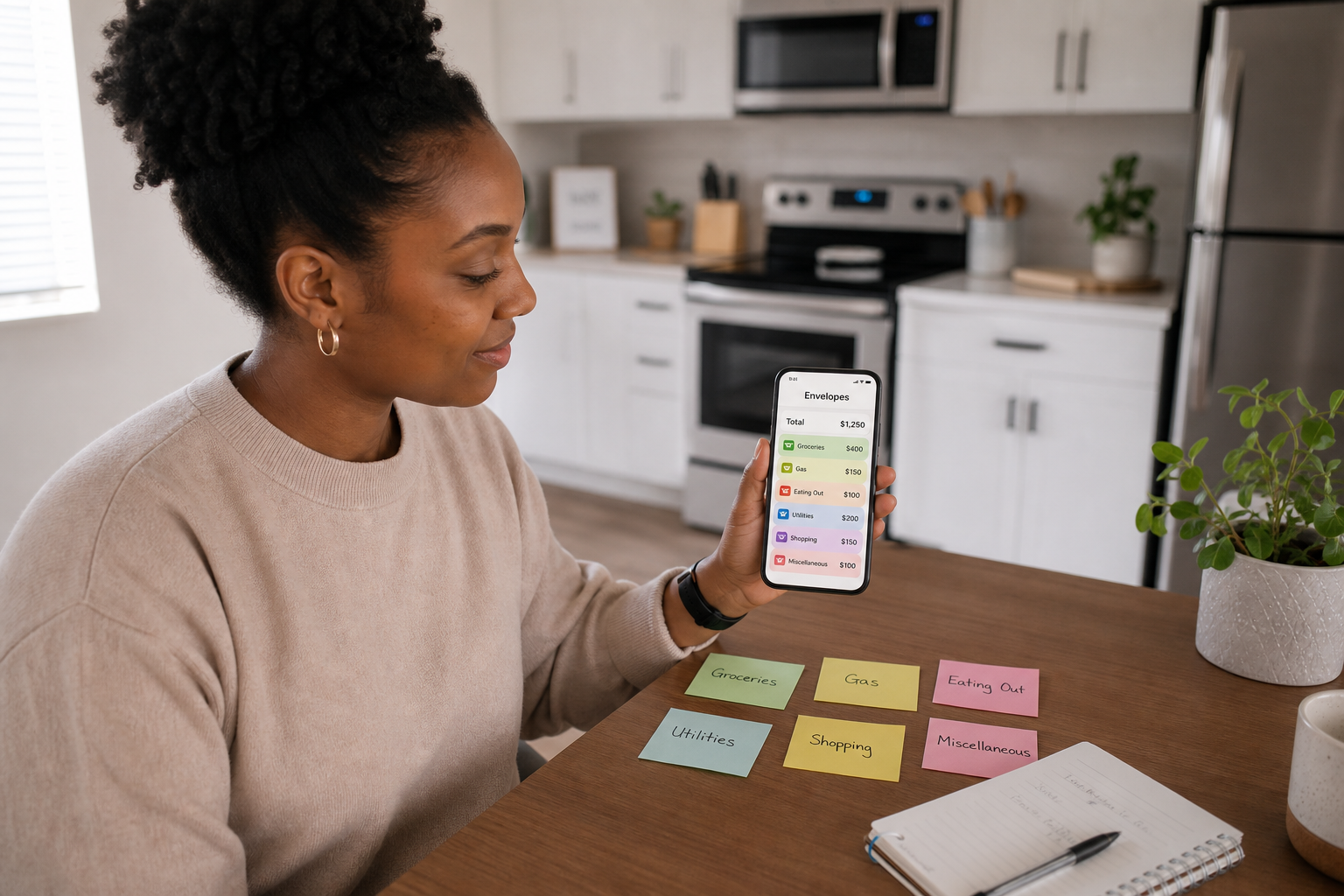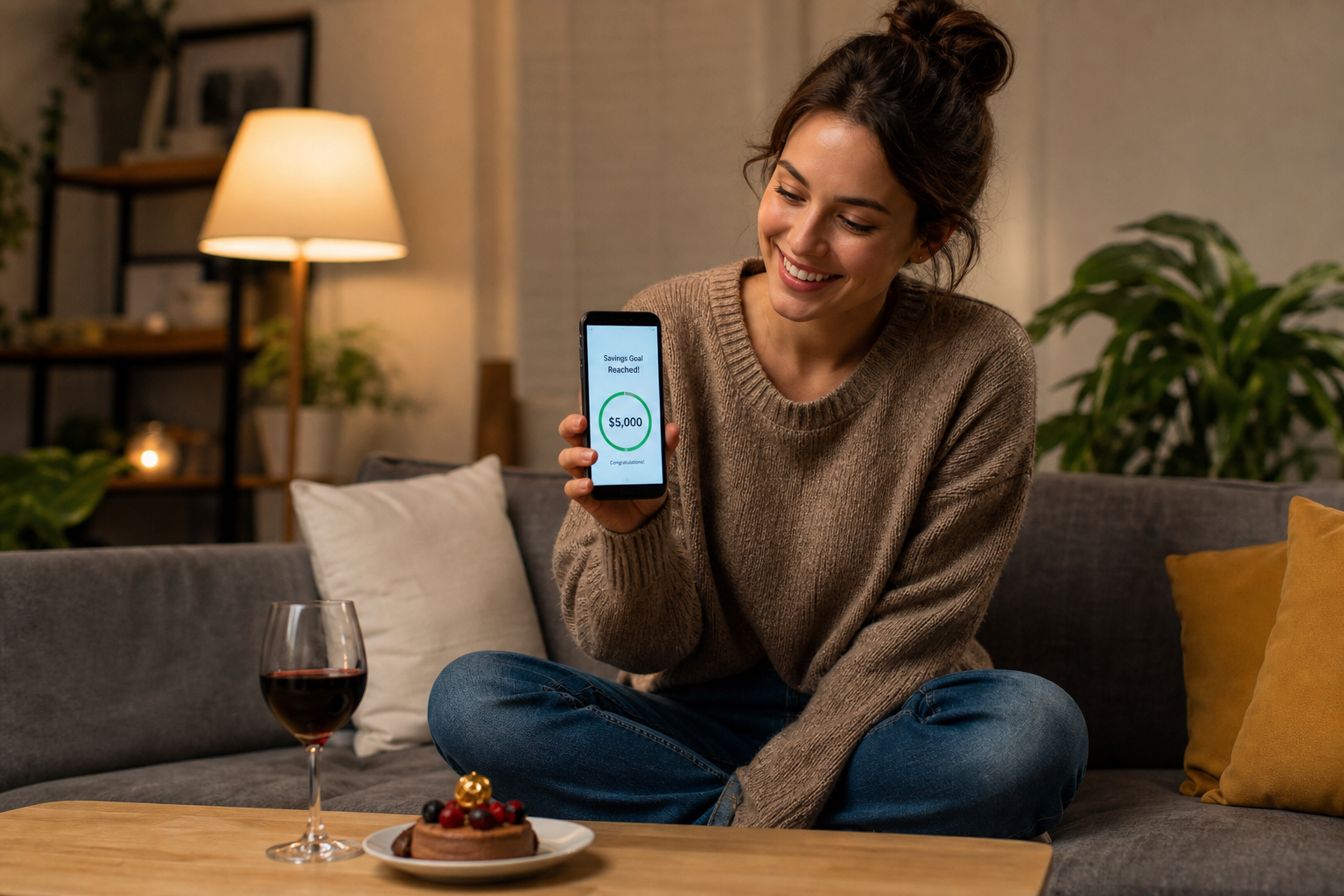
The best budgeting app without bank linking in 2026 is Spendaily, free on iOS, built around a daily spending allowance with automatic rollover and named savings goals, requiring no bank connection of any kind. Other strong options include Koody (AI-assisted manual tracking, UK-built, free tier available), Pocket Clear (zero-friction manual expense logging, privacy-first by design), Daily Budget Original (ultra-minimal daily budget app), and Goodbudget (manual envelope budgeting for couples and households). All five of these apps work entirely without open banking, bank credentials, or account read access.
👉 Download Spendaily free on iOS: the only daily-first app in this list. Download →
Why People Choose Manual Budgeting Apps
Budgeting apps without bank connections attract users for three distinct reasons:
1, Privacy: Open banking connections give third-party apps read access to your transaction history. For users uncomfortable with sharing this data beyond their bank's own systems, manual apps eliminate the exposure entirely. Under GDPR and the FCA's open banking framework, users have rights over this data, but not all users want to exercise those rights by sharing it.
2, Simplicity: Bank-linked apps require setup, connection management, and periodic re-authorisation (every 90 days under FCA rules). Manual apps require none of this, enter income, start logging, done.
3, Compatibility: Bank-linked apps work only with supported UK banks. Users with accounts at smaller providers, credit unions, prepaid cards, or multiple international accounts may find that bank-linked apps do not cover all their accounts. Manual apps work with any money source: bank accounts, cash, Revolut, Monzo pots, envelopes.
The 6 Best Manual Budgeting Apps Without Bank Linking (2026)
1, Spendaily ✅ Best Overall for Daily Budgeting
Platform: iOS only · Price: Free · Bank link: Never
Spendaily is built entirely around one question: what can you spend today? Enter your income, your budget period, and your fixed costs, the app divides what remains into a daily allowance and updates it in real time as you log purchases. Unused allowance rolls forward automatically. Overspend reduces tomorrow's number proportionally.
What sets it apart: The daily-first framing is Spendaily's defining advantage over every other manual app in this list. No other UK manual budgeting app is built around a live daily allowance as its primary mechanic. Named savings goals receive daily rollover surplus automatically.
Best for: Anyone whose primary goal is to control daily discretionary spending, build savings goals from daily underspend, or budget without monthly category management.
Key features:
- Live daily allowance as primary screen
- Automatic rollover (under and overspend)
- Named savings goals funded by daily surplus
- No categories required
- No bank connection of any kind
- Free, no subscription
2, Koody · Best for AI-Assisted Manual Tracking
Platform: iOS & Android · Price: Free (limited), £2.99/mo Standard, £4.99/mo Plus · Bank link: Optional (not required)
Koody is a UK-built manual budgeting app that bills itself as an "AI budgeting copilot." It allows manual expense entry, categorised spending, bill tracking, and multi-account monitoring without requiring bank access. The AI features help categorise spending and identify patterns from manual entries.
What sets it apart: AI-assisted categorisation from manual entries means less friction in applying category structure to spending without needing bank sync. UK-built and designed for UK-specific costs and financial patterns.
Best for: Users who want the pattern-analysis benefits of a category tracker without sharing banking credentials. More feature-rich than Spendaily, with more complexity.
Pricing note: The free tier is limited. Most useful features require the Standard (£2.99/mo) or Plus (£4.99/mo) plans, approximately £36-£60/year.
3, Pocket Clear · Best for Zero-Friction Manual Logging
Platform: iOS & Android · Price: Free · Bank link: Never (by design)
Pocket Clear was designed from the ground up as a manual-only expense tracker. Its developers describe the absence of bank linking as a deliberate design choice rather than a missing feature. Expenses are logged in under 5 seconds with automatic categorisation, and the app generates budgets, reports, and spending trends from manual data.
What sets it apart: The explicit privacy-first positioning is unusual, most apps without bank links simply lack the feature; Pocket Clear actively argues against it. Logging speed is the app's primary optimisation, which suits high-frequency manual loggers.
Best for: Privacy-focused users who want fast manual entry and basic category reporting without any subscription cost.
4, Daily Budget Original · Best for Minimalists
Platform: iOS & Android · Price: Free (ad-supported) · Bank link: No
Daily Budget Original is the most minimal app in this list, a daily spending allowance with manual rollover management and no additional features. No categories, no analytics, no goals, no account creation required.
What sets it apart: Zero setup friction. Enter one number (daily allowance), start logging. The simplicity is both its limitation and its strength, users who want nothing but a daily number get exactly that.
Best for: Users who want the most frictionless possible daily budget app and are comfortable without goal-setting or savings features. Works best as an entry point before moving to a more featured daily budget app.
5, Goodbudget · Best for Couples and Households
Platform: iOS & Android · Price: Free (10 envelopes), Plus at £8/mo · Bank link: No
Goodbudget applies the envelope budgeting method digitally, money is allocated to named spending envelopes (Groceries, Rent, Entertainment, etc.) at the start of each period. Spending is logged manually against each envelope. Multiple users can share the same budget across devices in real time.
What sets it apart: The real-time multi-user sync makes Goodbudget the strongest option for couples or housemates managing a shared budget without a joint bank account. Envelope-based structure suits users who think in spending categories rather than daily totals.
Best for: Couples budgeting together, shared households splitting costs, and users who prefer the envelope method to daily allowance framing.
6, Pennies · Best for iOS Simplicity
Platform: iOS only · Price: One-off £2.99 · Bank link: No
Pennies is a long-standing UK manual budget app with a simple design: set a budget, log spending, see what's left. It supports daily, weekly, or custom budget periods and shows a colour-coded remaining balance. No bank connection, no categories, no subscription.
What sets it apart: A one-off payment model rather than a subscription is increasingly rare in this market. The colour-coding of the remaining balance (green/amber/red) provides immediate visual feedback without numbers.
Best for: iOS users who want a simple visual daily/weekly budget without rollover mechanics or goal-setting.
Full Comparison Table
| App | Daily framing | Rollover | Goals | Categories | Multi-user | Price | Platform |
|---|---|---|---|---|---|---|---|
| Spendaily | ✅ Primary | ✅ Auto | ✅ Named | ❌ Optional | ❌ No | Free | iOS |
| Koody | ❌ Category | ❌ No | ✅ Yes | ✅ AI-assisted | ❌ No | Free/£2.99-£4.99/mo | iOS + Android |
| Pocket Clear | ❌ Category | ❌ No | ❌ No | ✅ Auto | ❌ No | Free | iOS + Android |
| Daily Budget Original | ✅ Primary | ✅ Manual | ❌ No | ❌ No | ❌ No | Free (ads) | iOS + Android |
| Goodbudget | ❌ Envelope | ❌ No | ✅ Envelopes | ✅ Envelopes | ✅ Yes | Free/£8/mo | iOS + Android |
| Pennies | ✅ Period total | ❌ No | ❌ No | ❌ No | ❌ No | £2.99 one-off | iOS |
What "Manual" Actually Means for Privacy
Choosing a manual budgeting app means your financial data stays on your device (and the app developer's servers if it has cloud sync, check each app's privacy policy for specifics). It does not flow through open banking infrastructure to third-party data processors.
The FCA's open banking framework requires that users explicitly authorise each connection, and that connections can be revoked at any time via the bank's app or the Open Banking Directory. Even so, some users prefer not to grant access at all. Manual apps make this preference possible without sacrificing budget functionality.
→ Full guide to privacy-first budgeting: Why a Budget App Without Bank Linking Can Be Better → How to switch from bank-synced to manual: How to Switch to Manual Daily Tracking
FAQ
What is the best budgeting app without bank linking? The best budgeting app without bank linking in 2026 is Spendaily for daily spending control (iOS, free, daily allowance with rollover and goals). For AI-assisted category tracking without bank access, Koody is the strongest UK alternative. For minimal daily budgeting, Daily Budget Original. For couples, Goodbudget.
Are manual budgeting apps less accurate than bank-linked ones? Not necessarily. Manual apps reflect exactly what you enter, which is as accurate as your logging. Bank-linked apps reflect what your bank has processed, which can include delays (pending transactions may take 24-48 hours to appear), missed cash spending, and transactions across accounts the app cannot see. Manual apps are perfectly accurate for discretionary spending if logging is consistent.
Can you budget with cash using a manual app? Yes. Manual budgeting apps are the only category that fully supports cash-based spending, because you enter amounts yourself rather than importing from a bank. This makes them particularly useful for students who use cash, users with prepaid accounts, and anyone who shops at markets or uses cash for specific categories.
Is Koody a manual budgeting app? Koody offers manual expense entry without requiring a bank connection, making it a manual-capable app. However, it also supports optional bank linking for those who want automatic transaction import. The manual functionality is complete without connecting a bank account, but the AI features work from whichever data source you provide.
What happened to Pennies app? Pennies remains available on iOS as of 2026 as a one-off purchase at £2.99. It has not had a major feature update in recent years but continues to function as a straightforward manual budget tracker with daily/weekly period support and colour-coded balance display.