To switch from a bank-synced budgeting app to manual daily tracking, first export what you’ve learned (your typical income, bills and spending), then set a simple daily allowance based on your budget and start logging new transactions in a manual app or notebook. You don’t need to abandon your old data, you just stop relying on automatic feeds and move to a daily check-in routine.
Step 1, Decide Why You’re Switching
Before you change tools, be clear about why. Common reasons include:
- Feeling overwhelmed by complex dashboards.
- Not wanting to share bank data.
- Finding that automatic tracking doesn’t change your behaviour.
Write down your top 1-2 reasons. You’ll use these to design a system that fixes those problems instead of recreating them.
Step 2, Export What Your Old App Has Taught You
Bank-synced apps are great at one thing: collecting data. Before you delete anything, use that data.
Look for:
- Average monthly income.
- Typical monthly spending by category.
- Your real rent, bills and essentials.
- Patterns in your discretionary spending.
Export or note down:
- A list of your regular bills and amounts.
- Your average monthly discretionary spend.
This becomes the basis of your new manual budget.
Step 3, Build a Simple Budget for Manual Use
Using what you’ve learned:
- Write down your average monthly take-home income.
- List your fixed bills and essentials (rent, utilities, food, transport, debt payments).
- Decide on a realistic monthly amount for savings and sinking funds.
- Subtract these from your income to get your discretionary pot.
This is the money your manual system will help you manage.
Step 4, Turn Your Budget Into a Daily Allowance
Manual daily tracking works best with one clear number.
Take your discretionary pot and divide it by the days in your pay period.
Example:
- Discretionary pot: £420 per month.
- Days in month: 30.
Daily allowance ≈ £14/day.
This is your daily limit for non-essentials.
Step 5, Choose Your Manual Tool
You have three main options:
- Notebook: The simplest; write your daily allowance and spending by hand.
- Spreadsheet: Good if you enjoy formulas and charts.
- Manual budgeting app: Best if you want structure and speed without bank links.
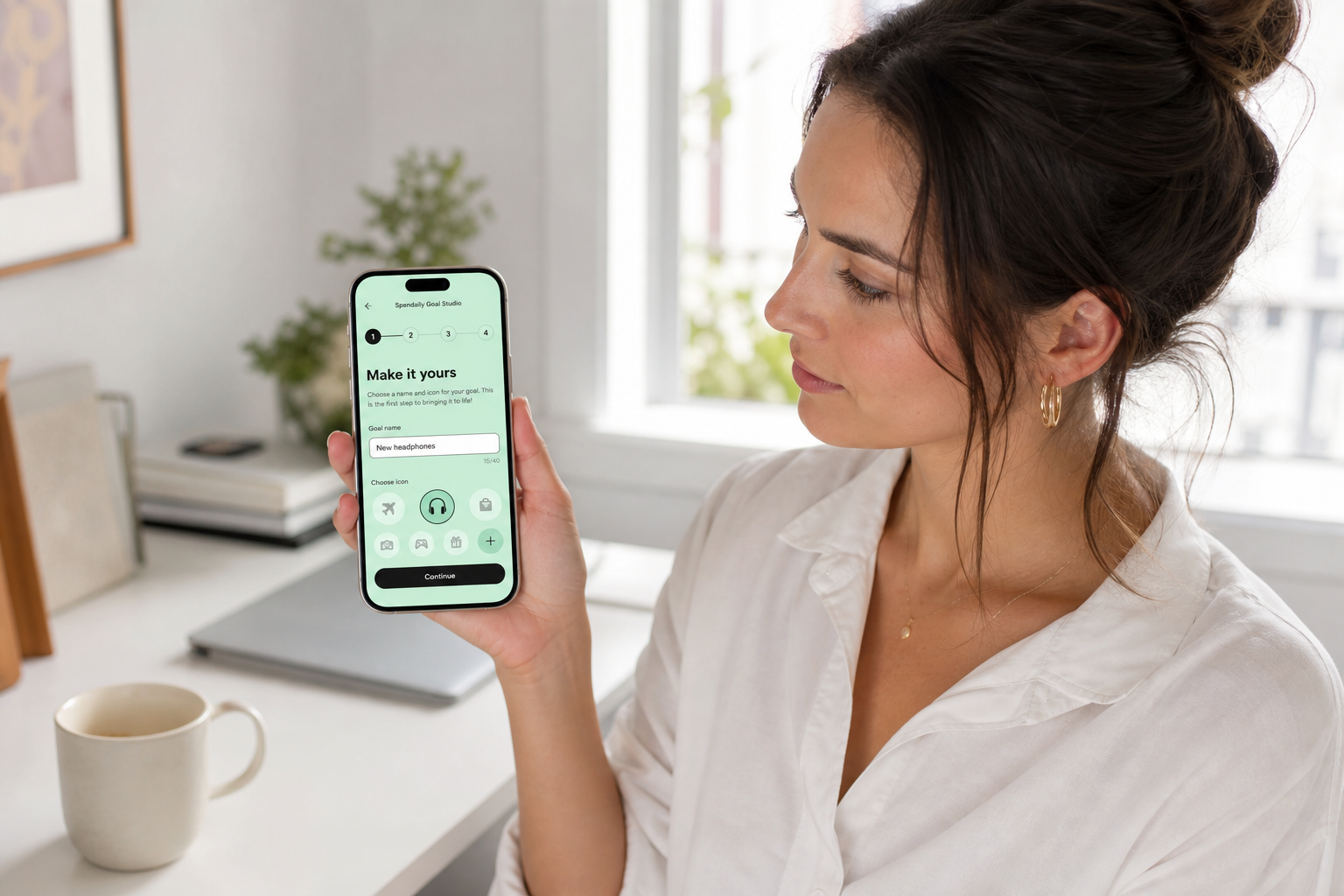
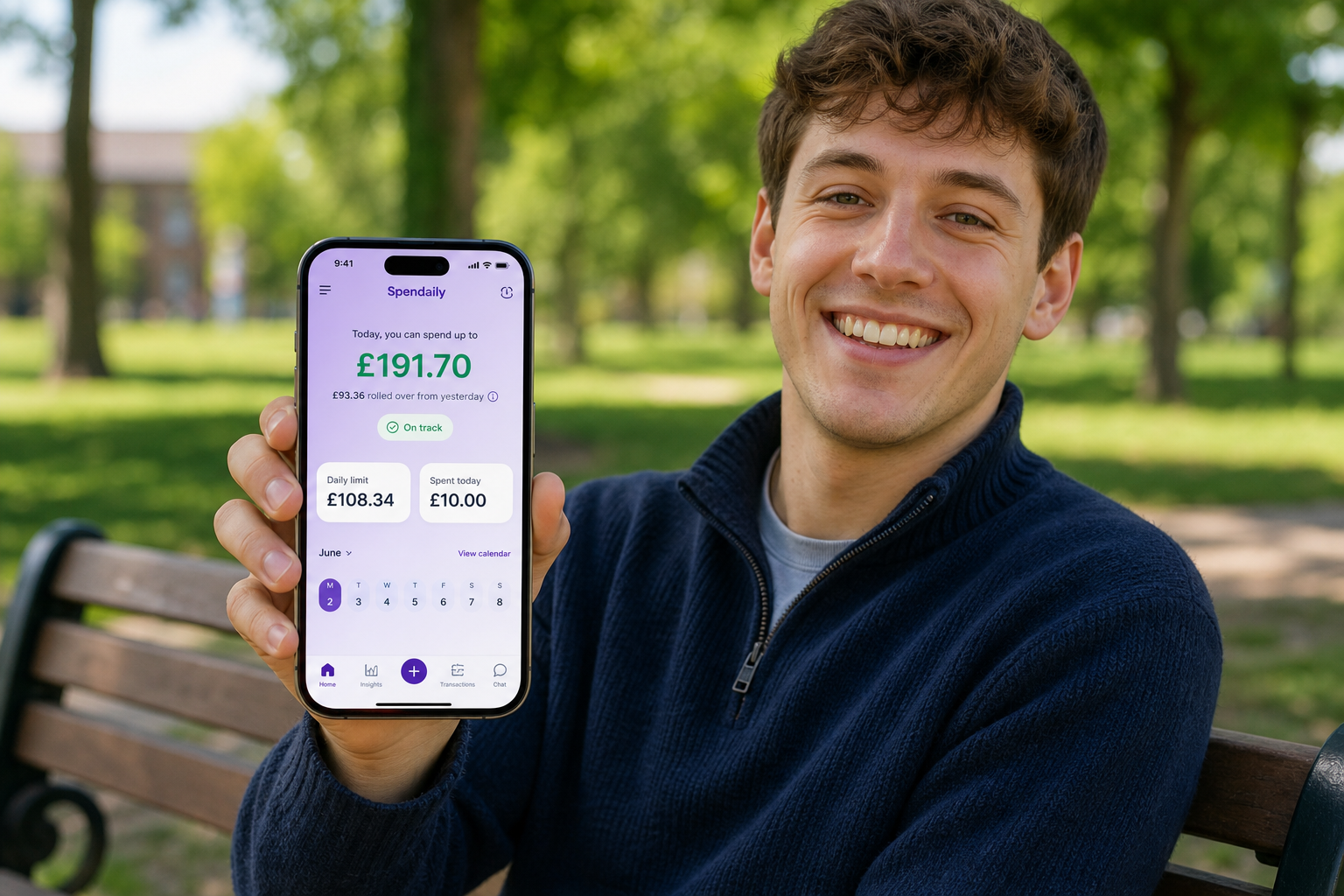
Apps like Spendaily are designed for this style:
- You enter your budget once.
- The app calculates a daily allowance.
- You log transactions in a few taps.
Pick the tool you’re most likely to open every day.
Step 6, Start Logging New Transactions Manually
From a chosen “start date”, stop relying on automatic imports.
Each time you spend money:
- Log the amount and a short description.
- Let your tool update what’s left of your daily allowance.
If you forget during the day, catch up in the evening with a 5-minute check-in. The goal is consistency, not perfection.
Step 7, Use Rollover to Handle Ups and Downs
Just like in a bank-synced system, your spending will vary.
With manual daily tracking:
- Underspend days increase tomorrow’s allowance or feed savings.
- Overspend days reduce tomorrow’s allowance slightly.
Over the month, you still stay within your discretionary pot, but you’re now actively steering instead of passively watching.
Step 8, Keep Your Old App as an Archive (If You Want)
You don’t have to delete your bank-synced app immediately. You can:
- Disconnect bank accounts.
- Keep the app as a read-only archive for trends.
Then use your manual system for day-to-day decisions. This gives you the best of both worlds for a while.
Where Spendaily Fits In
Spendaily is a natural landing point for people leaving bank-synced tools.
It:
- Works without bank connections.
- Turns your budget into one daily allowance.
- Handles rollover automatically.
- Lets you add simple goals to catch underspend.
You bring the insights from your old app; Spendaily helps you act on them every day.
Keep reading: Best Budgeting Apps Without Bank Linking (2026): Manual Picks, Why a Budget App Without Bank Linking Can Be Better and How to Switch from Bank-Synced Apps to Manual Budgeting.
FAQ
Will I lose all the benefits of automation?
You’ll lose automatic imports, but gain more awareness and control. If you still want high-level analysis, you can use your old app occasionally while relying on manual daily tracking for everyday choices.
Isn’t manual tracking more effort?
It is a bit more effort, but it’s also the point. That small extra step makes you notice spending in real time, which is what actually changes behaviour.
What if I forget to log for a week?
Don’t give up. Use bank statements to reconstruct major transactions, reset your daily allowance for the rest of the period, and restart your check-ins.
Can I migrate mid-month?
Yes. Pick a date, calculate your discretionary pot for the remaining days, and start from there. You don’t have to wait for a new month.
How long does it take to get used to manual daily tracking?
Most people adjust within 2-4 weeks. Once the habit is in place, the process becomes quick and almost automatic.