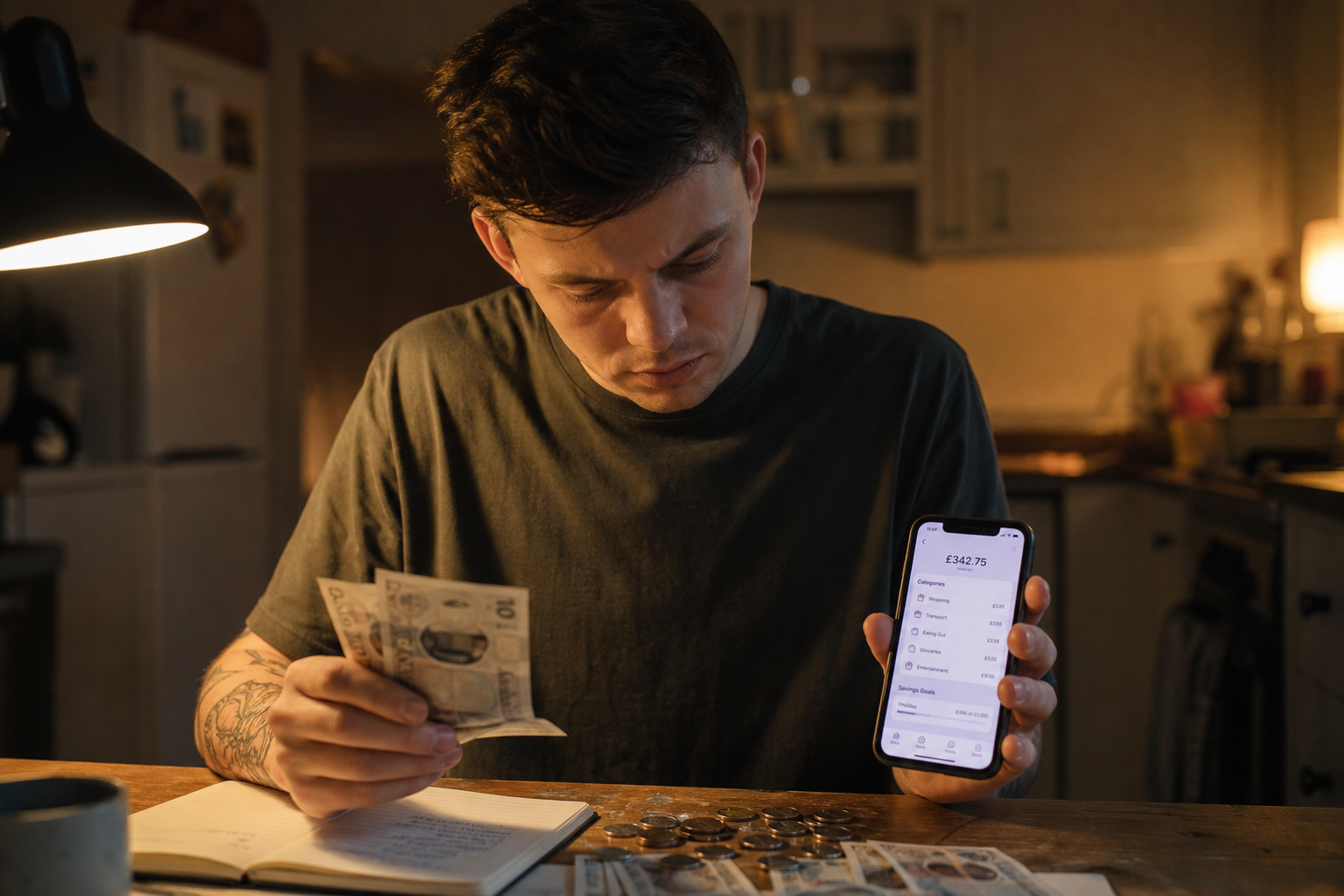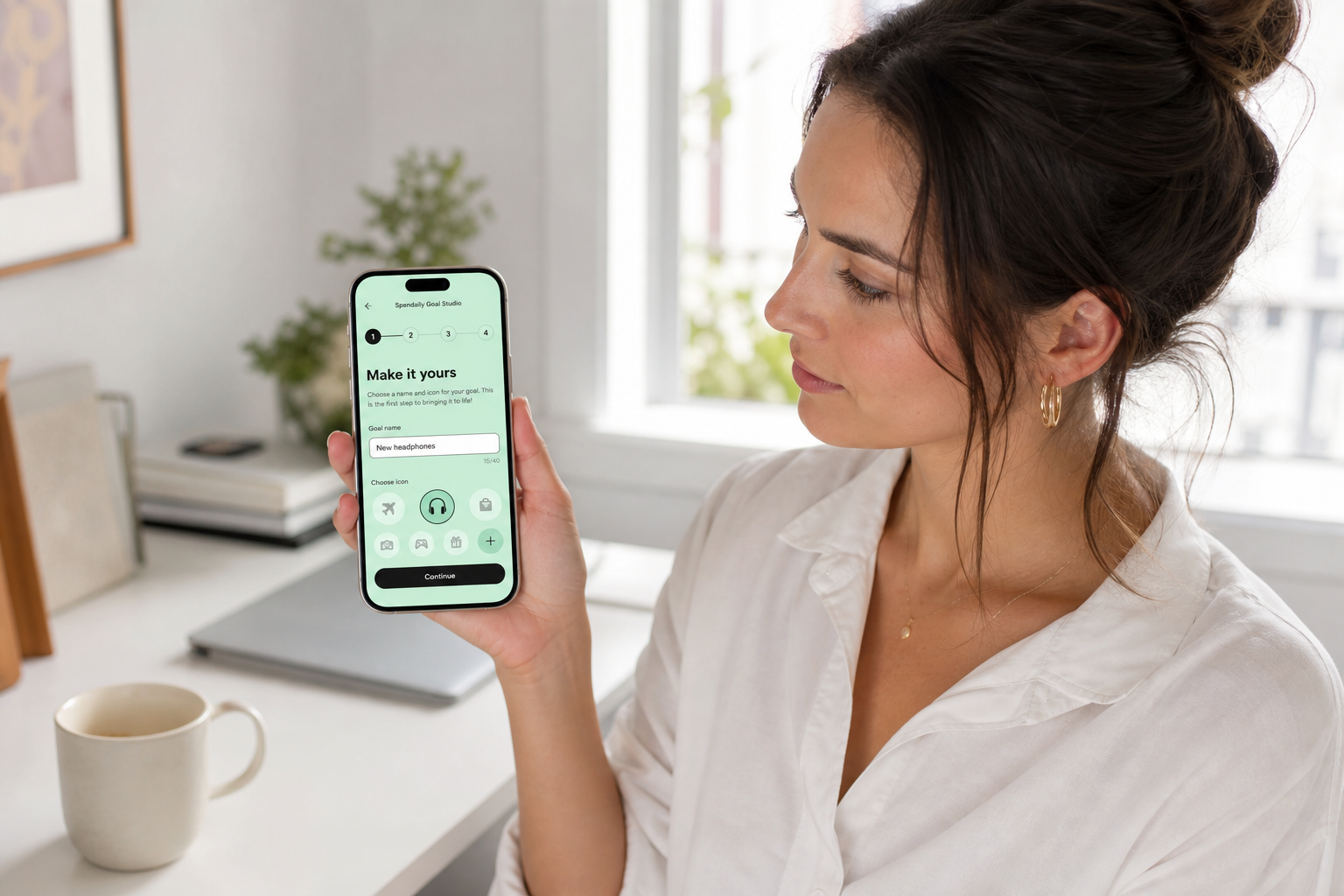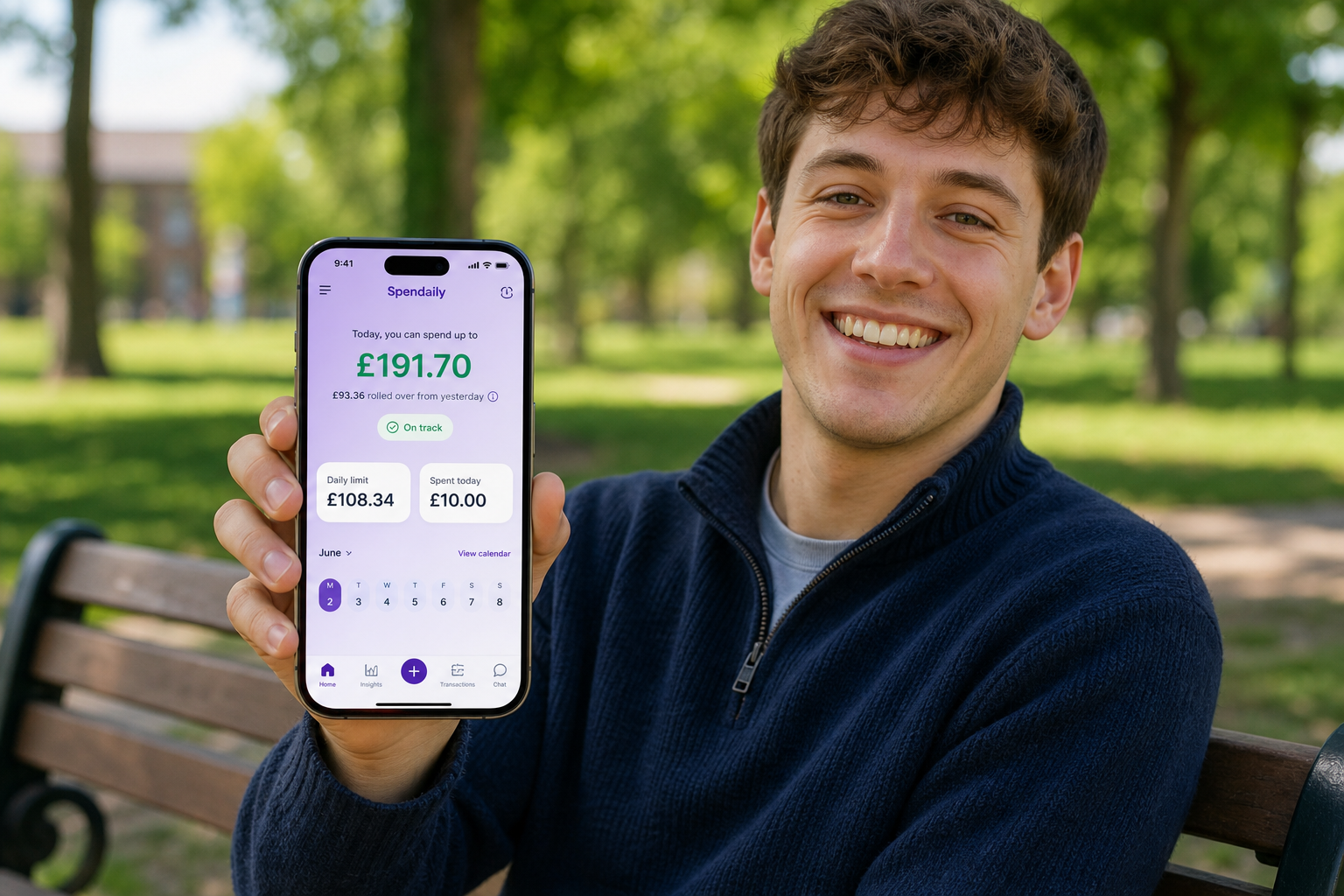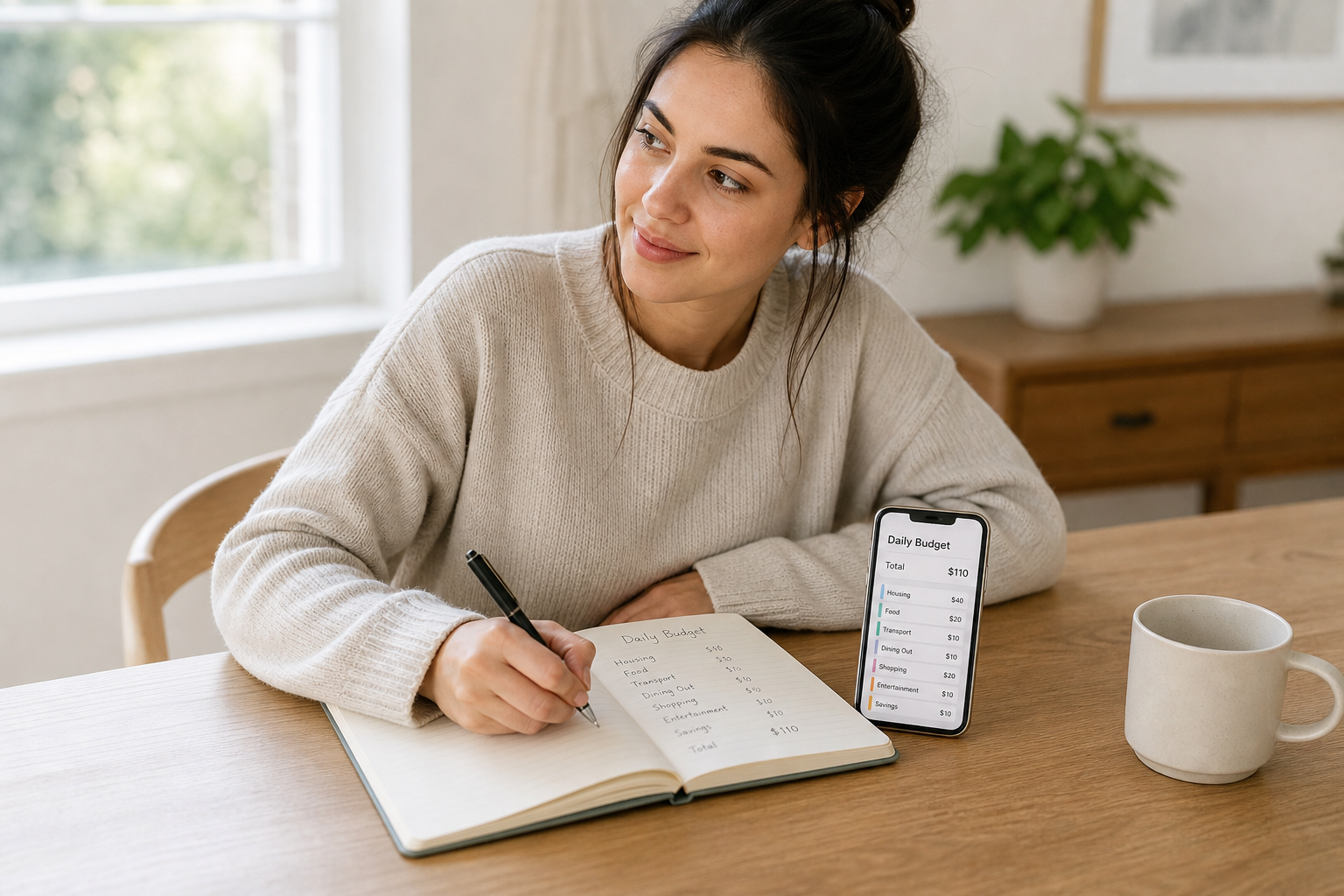
Budget apps that don't need a bank account work through manual entry: you input your income, bills and daily expenses yourself, and the app uses those numbers to calculate budgets, allowances and goals. This approach is more private, works with cash or any payment method, and often creates better spending awareness than automatic bank-sync tools. They suit anyone who values simplicity and control over automation.
The Difference Between Manual and Bank-Linked Apps
All budgeting apps fall into one of two camps.
Bank-linked apps:
- Connect to your bank via open banking.
- Import transactions automatically.
- Categorise spending based on bank data.
Manual (no-bank) apps:
- Work entirely from what you enter.
- No bank access required.
- Work with any payment method.
Neither is objectively better. It depends on how you want to engage with your money.
Why Manual Apps Are Gaining Popularity in the UK
Reddit threads on personal finance consistently show users choosing manual budgeting after feeling overwhelmed or uncomfortable with bank-linked tools.
Common reasons:
- Privacy: No third-party bank access.
- Simplicity: Fewer features, clearer daily view.
- Works with any account: Basic current accounts, prepaid cards, cash, and multiple banks.
- More control: You decide what counts and how it's categorised.
Post-Mint closure, many users moved away from highly automated tools and found simpler, manual options actually worked better for their day-to-day habits.
What Makes a Good No-Bank App
Look for:
- Daily or weekly spending allowance as the main view.
- Quick expense logging (2-3 taps maximum).
- Rollover support: Underspend carries forward; overspend reduces future allowance.
- Simple goals: Named savings targets you can fund with surplus.
- Light, clean design: Complex dashboards belong in bank-linked tools.
How Spendaily Works Without a Bank Account
Spendaily is built to work without any bank connection.
You:
- Enter your income and bills manually.
- Set a savings target.
- Get a calculated daily allowance.
- Log spending in seconds.
- Create goals and direct leftover money to them.
There's no bank login, no open banking permission, no transaction scraping. Your spending data stays on your device and in the app.
Who This Type of App Works Best For
A manual, no-bank budget app is ideal if:
- You use more than one bank or a mix of cash and cards.
- You're wary of open banking or data sharing.
- You want a simple daily number to guide decisions.
- You're a student or young worker without a full traditional bank account.
- You've tried bank-synced apps and found them stressful or unhelpful.
How to Get Started With a Manual App
- Gather your income and bills. Take-home pay and regular direct debits.
- Enter your budget. Most manual apps walk you through this setup.
- Check your daily allowance. This is your starting number.
- Log expenses each day. Even once-a-day batch logging is enough.
- Check in and review weekly. Look for patterns and adjust.
You can be up and running in 10-15 minutes.
Keep reading: Best Budgeting Apps Without Bank Linking (2026): Manual Picks, Why a Budget App Without Bank Linking Can Be Better and How to Switch from Bank-Synced Apps to Manual Budgeting.
FAQ
Are manual budget apps less accurate than bank-linked ones?
They're only as accurate as what you log. But because you enter every transaction actively, you often have a clearer sense of your spending than if it's imported automatically and skimmed.
Can I combine a manual app with my bank's own app?
Yes, and many people do. Use your bank app for account management and a manual app for daily spending decisions.
Will a no-bank app notify me about upcoming bills?
Only if the app has reminder features. You can add recurring bill dates as reminders in most manual apps, but the app won't pull them from your bank automatically.
What's the risk of manual budgeting apps?
The main risk is that you forget to log spending, which creates gaps. Build the habit of a daily check-in to avoid this.
Is there a risk of double-counting with a manual app?
Not if you set up your budget correctly. Your starting budget accounts for bills and essentials; the daily allowance is for discretionary spending only.