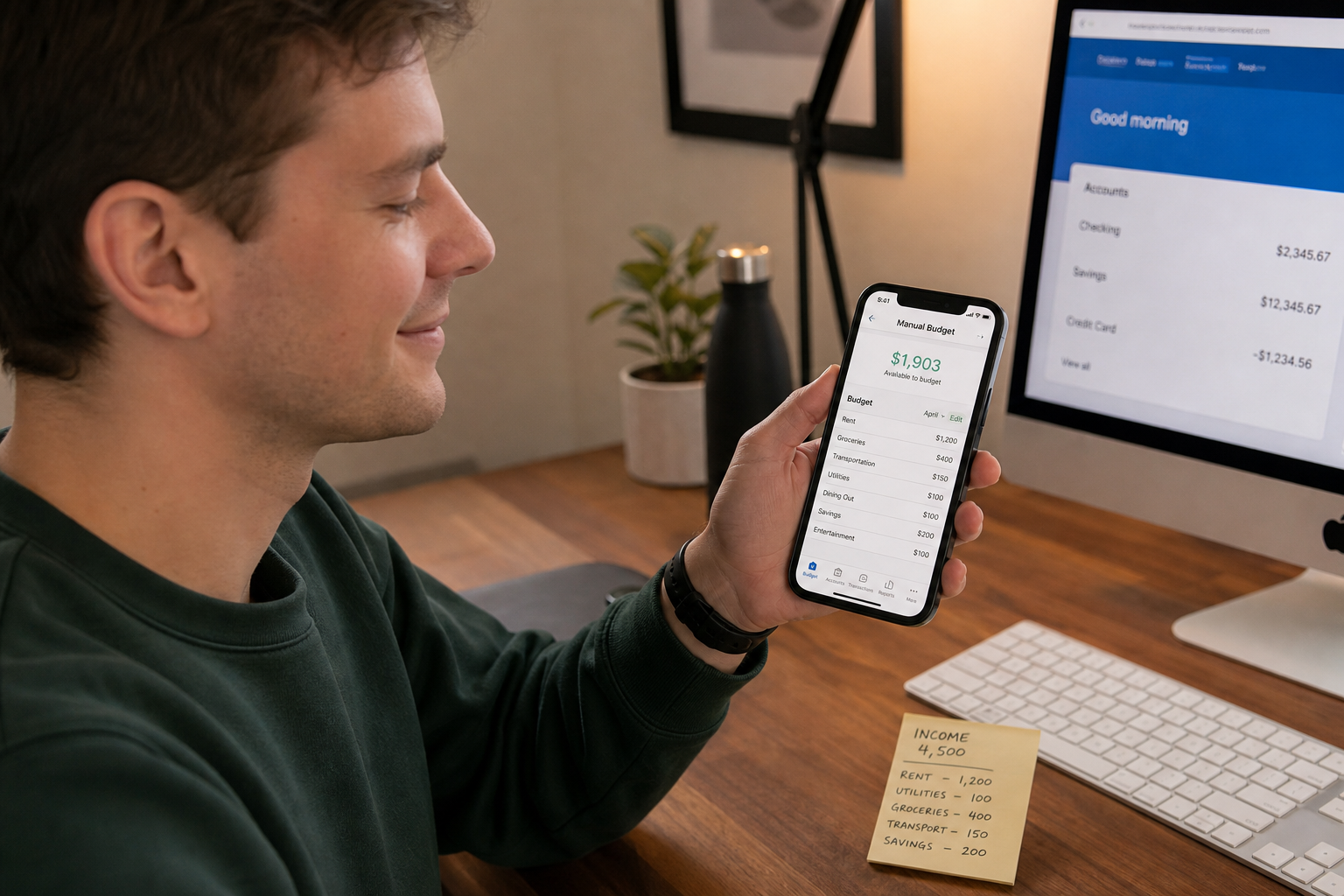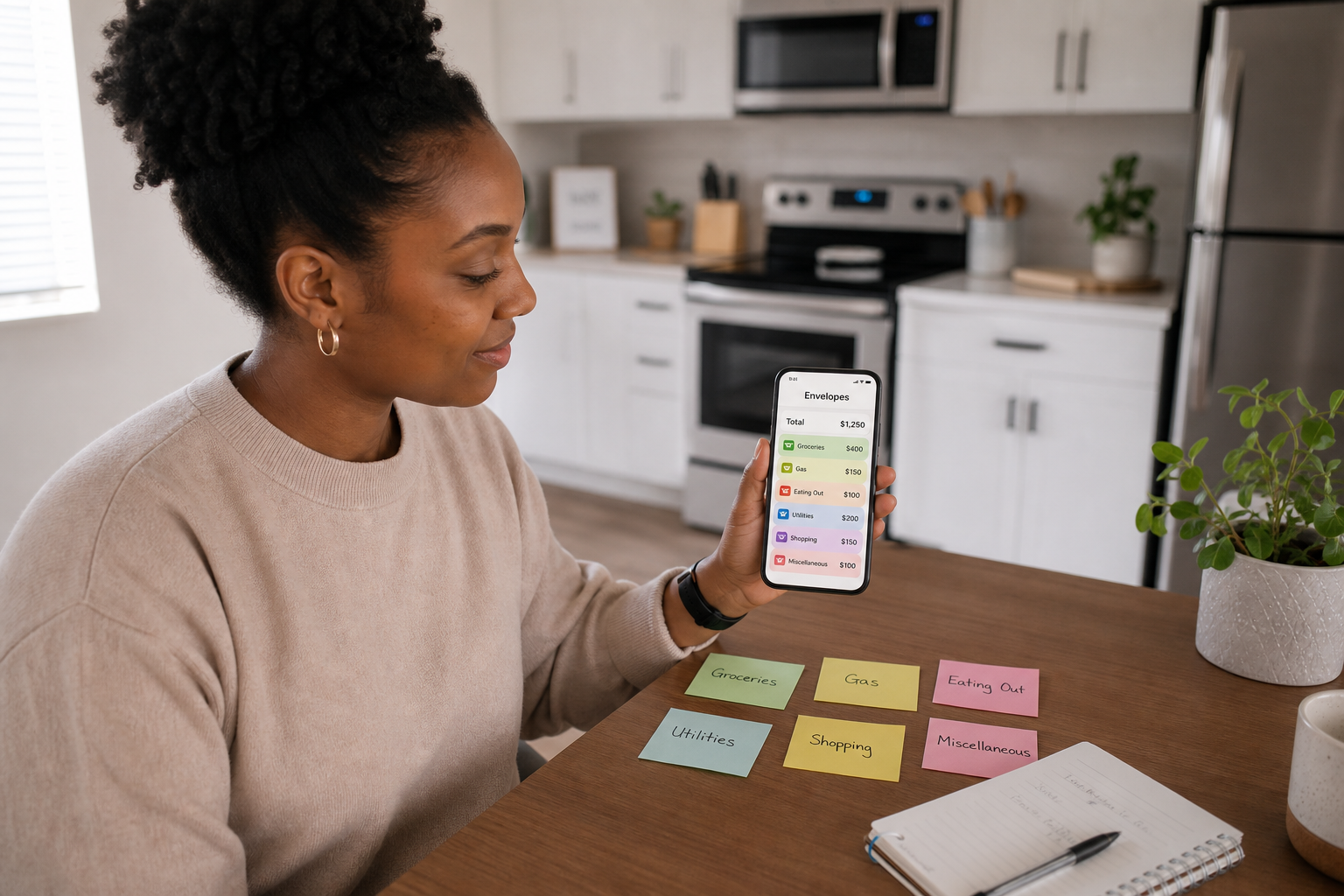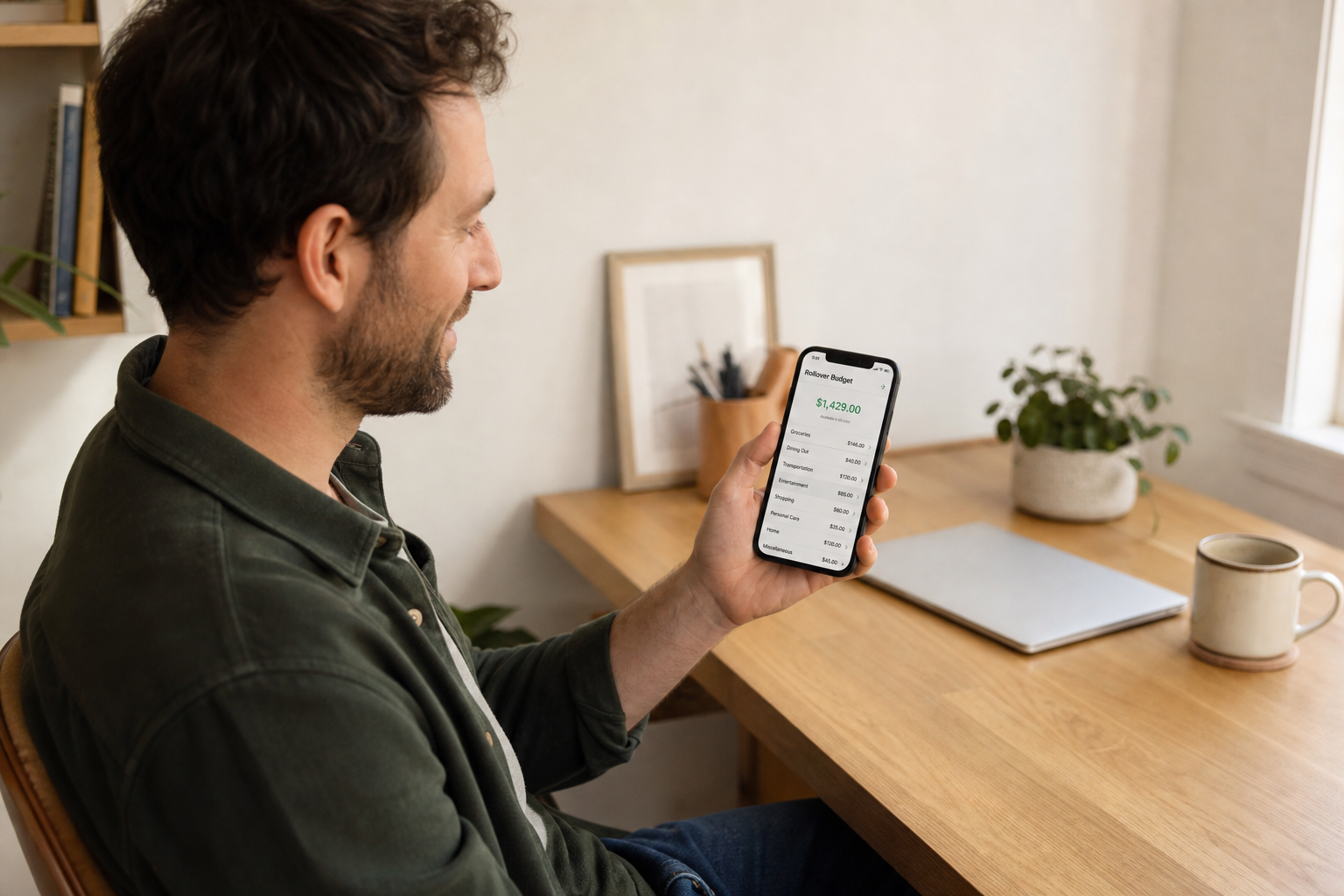
A spending tracker is a tool for recording and categorising past expenditure, it answers "what did I spend?" and helps you identify patterns over weeks and months. A daily budget app is a tool for managing future expenditure in real time, it answers "what can I spend today?" and updates your remaining allowance as you log each purchase. Both are useful. But if your primary goal is to reduce daily overspending rather than analyse past patterns, a daily budget app is the more effective tool, because it operates at the moment of the decision, not after it.
👉 Spendaily is a daily budget app with built-in tracking. Download free on iOS →
The Fundamental Distinction
The difference between a spending tracker and a daily budget app is not cosmetic, it is temporal.
A spending tracker is retrospective. It records what happened. You open it on Friday and see that you spent £72 on food, £45 on transport, and £38 on entertainment this week. This is accurate, detailed, and entirely about the past.
A daily budget app is prospective. It informs what happens next. You open it before buying lunch and see that you have £11.40 left for today. This is the number you make a decision with, right now.
The distinction matters because spending behaviour is changed at the point of decision, not during review. Knowing you overspent on food last week does not help you decide whether a £9 lunch today is affordable. Knowing you have £11.40 left today does.
What Each Tool Is Actually Good At
Spending trackers are excellent for:
- Understanding where your money goes over 2-3 month periods
- Identifying habitual spending categories you were not aware of
- Detecting subscription creep and recurring charges
- Comparing month-to-month behaviour (did May cost more than April?)
- Annual financial reviews and tax preparation
- Managing a household budget with multiple categories and people
Daily budget apps are excellent for:
- Real-time decision support at the point of purchase
- Preventing end-of-month money shortfalls
- Building consistent daily spending habits
- Making budgeting work for people who have failed with monthly systems
- Handling irregular income without recalculating category budgets
- Connecting daily underspend to named savings goals through rollover
Neither is better in absolute terms. They solve different problems. The error most people make is downloading a spending tracker when their actual problem is daily overspending, and then wondering why having perfect category data does not help them spend less.
Where Category Trackers Fall Short for Daily Spending
Category tracking has three specific weaknesses that daily budget apps avoid:
Weakness 1, The Payday Effect
At the start of a budget period, most category budgets show large amounts remaining. Spending feels unconstrained. By the final week of the month, most users discover they have significantly overspent their categories and are rationing spending urgently.
The daily allowance eliminates this pattern entirely. Day 1 and Day 28 start with the same daily number (plus or minus accumulated rollover). There is no artificial permission at the start or rationing at the end.
Weakness 2, Categories Don't Reflect Real Life
A coffee bought on the way to a meeting is "eating out" or "transport" depending on how you look at it. A grocery shop that includes both food and household supplies is half "food" and half "household." Real spending does not map cleanly to categories, which means manual category assignment requires either arbitrary decisions or complex splitting, both create friction that breaks the daily habit.
A daily budget app requires no categorisation at all. The amount is all that matters.
Weakness 3, The Overspend Tells You Nothing Actionable
A category tracker tells you that you overspent "eating out" by £45 this month. This does not tell you: which purchases contributed most? Were they conscious choices or impulse buys? What should you do differently tomorrow?
A daily number in overspend tells you exactly what to do: tomorrow starts at [today's allowance − today's overspend]. It is self-correcting without requiring any analysis.
The Full Feature Comparison
| Feature | Spending Tracker | Daily Budget App |
|---|---|---|
| Primary question answered | "What did I spend?" | "What can I spend today?" |
| When information is useful | Weekly / monthly review | Before each purchase |
| Behaviour change mechanism | Pattern awareness after the fact | Real-time decision support |
| Setup complexity | Medium-high (categories, bank link) | Low (income, fixed costs) |
| Daily friction | Low (auto-sync) or high (manual) | Low (2 taps per purchase) |
| Handles variable income | ⚠️ Difficult | ✅ Yes, recalculate on income |
| Bank connection required | Usually yes | Usually no |
| Rollover / carry-forward | ❌ Resets monthly | ✅ Daily accumulation |
| Savings goal integration | ⚠️ Separate feature | ✅ Built into daily surplus |
| Category detail | ✅ High | ⚠️ Optional or absent |
| Analytics / reports | ✅ Strong | ⚠️ Basic or absent |
| Example tools | Emma, Snoop, YNAB, Monzo | Spendaily, Daily Budget Original |
Can One App Do Both?
Some apps attempt to combine spending tracking and daily budget functionality. The results are mixed:
Apps that lean tracking with some daily features:
- PocketGuard: has a "In My Pocket" safe-to-spend number and a new "Pace" feature for Plus subscribers, but these are additions to a primarily category-based bank-linked system
- YNAB: has a "live on last month's income" mechanic that smooths daily spending, but it is a 4-rule envelope system requiring significant learning investment
Apps that lead with daily budgeting:
- Spendaily: daily allowance is the primary feature; tracking is implicit in the daily log; no mandatory categories
- Daily Budget Original: pure daily budget, minimal tracking, no analytics
Our verdict: Attempting to do both usually means doing neither perfectly. Users who need detailed category analytics should use a dedicated tracker (Emma, Snoop). Users who need daily spending control should use a dedicated daily budget app (Spendaily). Users who want both should use Spendaily for daily control and run a quarterly review of their bank statement for pattern analysis.
Which Should You Choose?
Choose a spending tracker if:
- You have good daily control but want to understand your patterns better
- You are managing a household or joint budget with multiple people
- You need category data for tax or expense reporting
- You want automatic bank sync rather than manual logging
- You have tried daily budgeting and found the manual logging too much
Choose a daily budget app if:
- You regularly run short of money before the end of the month
- You have tried monthly category budgeting and abandoned it
- You want a simple, quick system you will actually use every day
- Your income is irregular and monthly totals are unreliable
- You want a direct link between today's restraint and a savings goal
Use both (different jobs) if:
- You want real-time daily control AND periodic pattern analysis
- Use Spendaily daily for spending decisions; review bank statement quarterly for category awareness
→ What to look for in a daily spending tracker: Daily Spending Tracker Apps → Best daily budget apps compared: Best Daily Budget Apps in 2026
FAQ
What is the difference between a spending tracker and a budget app? A spending tracker records past expenditure and organises it into categories, it answers "what did I spend?" A budget app (particularly a daily budget app) tells you what you can spend going forward, it answers "what can I spend today?" The distinction is temporal: trackers are retrospective; daily budget apps are prospective.
Is a spending tracker or budget app better for saving money? A daily budget app is generally more effective at reducing daily overspending, because it provides information at the moment of each spending decision rather than retrospectively. A spending tracker is better for understanding patterns and identifying categories to reduce over the medium term. If your goal is to stop running out of money before the end of the month, a daily budget app is the more direct solution.
Does Emma or Snoop show a daily spending limit? Neither Emma nor Snoop shows a daily spending allowance as a primary feature. Both are primarily monthly category trackers that pull transactions via open banking. Emma shows monthly category totals and spending vs budget. Snoop shows weekly spending reports and recurring charges. Neither calculates a real-time daily allowance with rollover.
Can YNAB work as a daily budget app? YNAB's "give every pound a job" philosophy operates on a monthly envelope system rather than a daily allowance. It can be used to create a daily spending category, but this is not its primary design or intended use. YNAB is best used as a zero-based monthly budget system, not a daily spending decision tool. It is also a paid product (approximately £89/year), which makes it a higher-commitment choice than free daily budget apps like Spendaily.