A good savings goal tracker app does three things well: it lets you set specific goals with deadlines, makes progress visible, and fits smoothly into your existing budget. Look for apps that support multiple named goals, show clear progress bars, and don’t force you into features you don’t need. The best choice depends on whether you want a standalone savings tracker or an all-in-one budgeting app with strong goal features.
What Savings Goal Tracker Apps Are Designed to Do
Savings goal apps exist to turn vague intentions into concrete plans.
They usually let you:
- Create named goals for specific things.
- Set target amounts and deadlines.
- Log contributions and see progress.
Some also calculate how much you need to save daily, weekly or monthly to hit your target on time. The idea is to make saving feel like filling up progress bars, not just moving numbers between accounts.
Key Features to Look For
When comparing savings goal apps, focus on:
- Multiple goals: Can you track several goals at once?
- Custom names and images: Can you label goals and add pictures for motivation?
- Deadlines and schedules: Does the app calculate how much you need to save and when?
- Progress visualisation: Are there clear progress bars or charts?
- Notifications: Can you get gentle reminders to stay on track?
- Budget integration: Does it connect to your day-to-day spending, or sit separately?
These features are common to many popular savings trackers and are repeatedly highlighted in app store descriptions and comparison articles.
Standalone Savings Goal Apps
If you just want to track goals without a full budget system, standalone apps can work well.
Examples include:
- Apps that let you create unlimited goals, set target dates and see daily/weekly/monthly saving requirements.
- Simple trackers where you manually log each contribution.
They’re good if:
- You already have a separate budgeting system.
- You like keeping goal tracking and day-to-day spending apart.
Downsides:
- Easy to forget about if they’re not part of your daily routine.
- May not reflect whether your saving plan actually fits your budget.
Savings Features Inside Budgeting Apps
Many budgeting apps now include goal tracking.
These can:
- Attach goals directly to your budget.
- Move surplus or scheduled amounts into goals.
- Show how today’s spending affects your progress.
This integrated approach is useful if you want savings and spending in one view. It also helps you avoid overcommitting, your budget and goals have to fit the same pot of money.
How Spendaily Handles Savings Goals
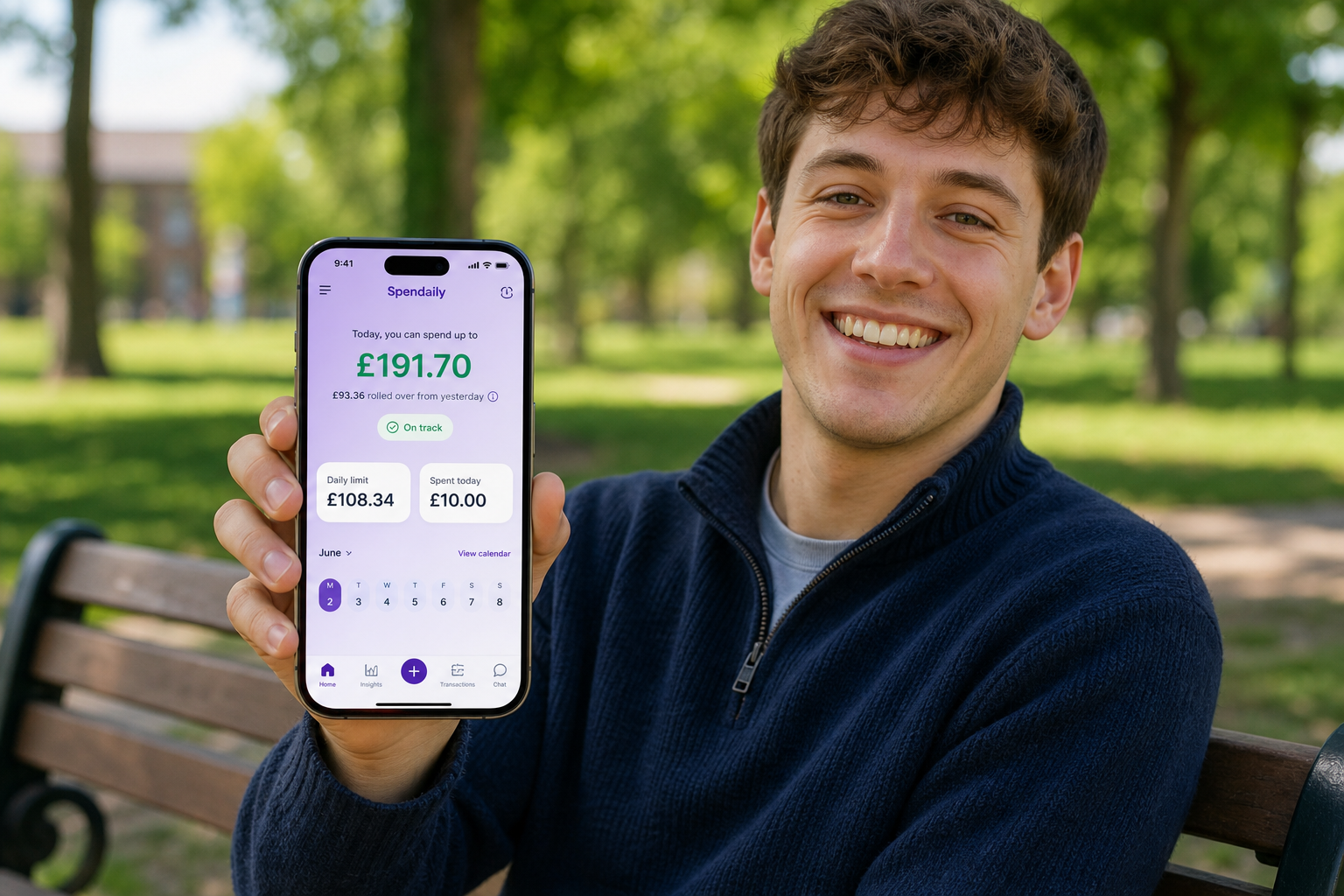
Spendaily isn’t a standalone savings tracker. It’s a daily budgeting app with lightweight goal features.
You can:
- Turn your budget into a daily allowance.
- Create named goals (for example, headphones, weekend trips, clothes).
- Assign underspend or surplus to those goals.
Instead of scheduling fixed transfers, you let your daily behaviour drive progress. When you spend less than your allowance, you decide how much of the leftover goes to your goals.
Questions to Ask Before Picking an App
Before you choose a savings goal tracker, ask:
- Do I want automation or manual control?
- Automation saves time but can feel detached.
- Manual logging builds awareness but takes effort.
- Do I want saving and budgeting in one place?
- Integrated apps show the whole picture.
- Separate apps can be simpler if you only need basic tracking.
- How often will I use it?
- Daily budgeting apps work best if you check them most days.
- Standalone trackers can work with weekly or monthly check-ins.
Your answers will point you toward the right type of tool.
Keep reading: Best Daily Budget App in 2026: Top Picks Compared, Budgeting Apps Ranked by Daily Effort, Not Features and YNAB Alternatives: 7 Simpler or Cheaper Options.
FAQ
Do I really need an app to track savings goals?
Not necessarily. You can track goals on paper or in a spreadsheet. An app helps if visual progress bars and reminders keep you motivated, or if you like having everything in one place on your phone.
Are savings goal apps safe?
Reputable apps use secure connections and often don’t need bank access if you’re logging savings manually. If you connect accounts, check how the app is regulated and what permissions it requires.
How many savings goals should I track at once?
Most people do well with 3-5 active goals: an emergency fund, one or two medium goals (like travel or tech), and maybe a long-term goal. Too many goals can slow progress and feel discouraging.
What makes a savings goal app motivating instead of stressful?
Clear, realistic timelines, visual progress and gentle reminders help. Apps that constantly nag you or show overwhelming dashboards can backfire. Look for tools that feel encouraging, not judgmental.
Can I track debt payoff as a "savings" goal?
Yes. Many people treat extra debt payments as goals. You can set a target amount to pay off and log additional payments as progress, even if the app calls it “savings”.