If you’re a student or young worker without a full bank account, or you mainly use cash, prepaid cards or basic accounts, you can still budget effectively with manual apps that don’t require bank access. These apps let you set a budget, track spending and see a daily allowance using only the numbers you enter, so they work even if you’re banking-lite.
Why Budgeting Matters Even Without a Full Bank Account
Students and young workers often:
- Juggle part-time jobs, student finance and support from family.
- Use a mix of cash, prepaid cards and basic current accounts.
- Have irregular income that doesn’t match rent or bill dates.
This can make money feel chaotic. A simple budgeting app that doesn’t rely on bank connections can bring all these pieces into one view.
What to Look For in a Student-Friendly, No-Bank-Link App
Key features that help when you’re starting out:
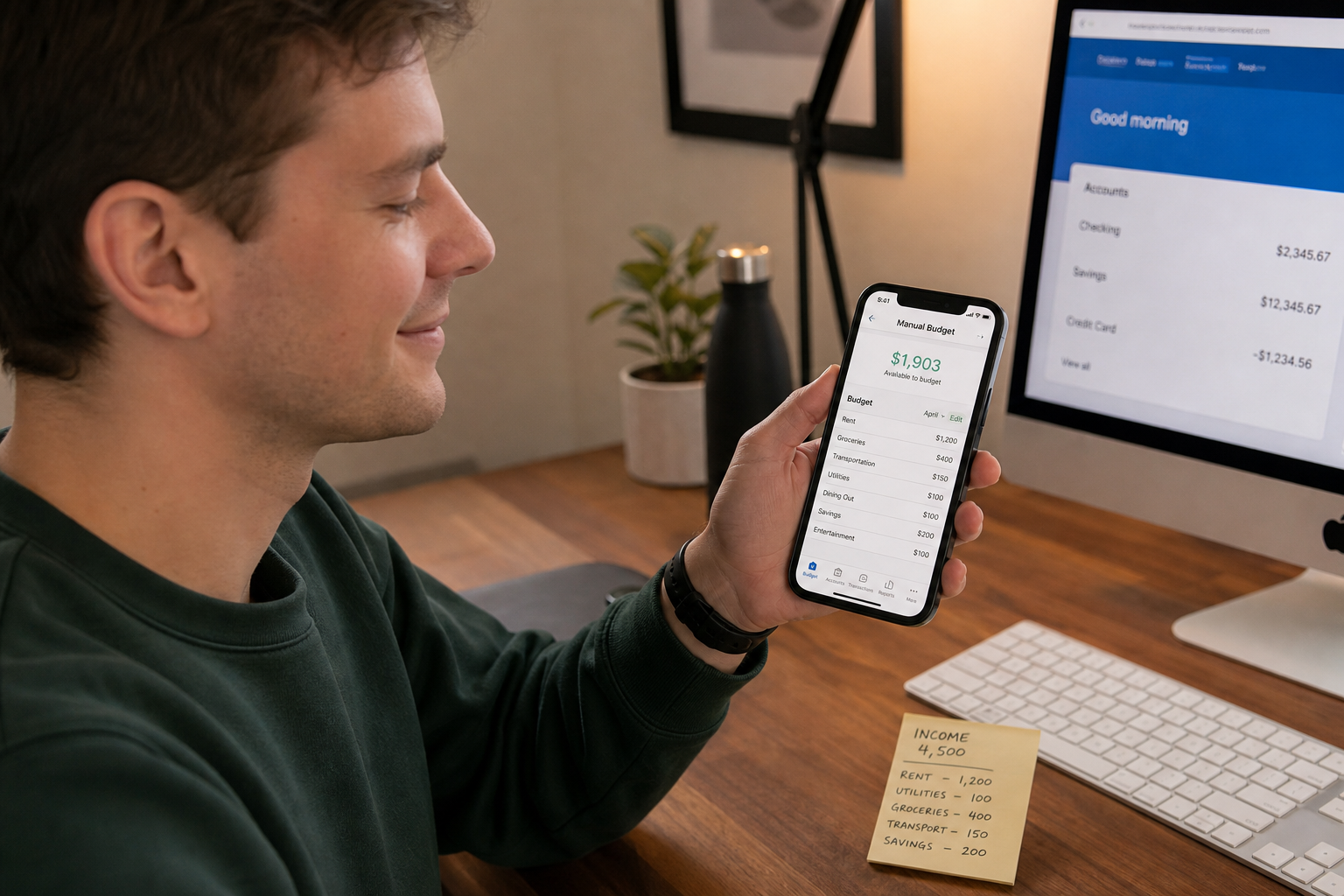
- Manual income and expense entry: Works with cash, prepaid cards and basic accounts.
- Daily or weekly allowance: One number to guide everyday spending.
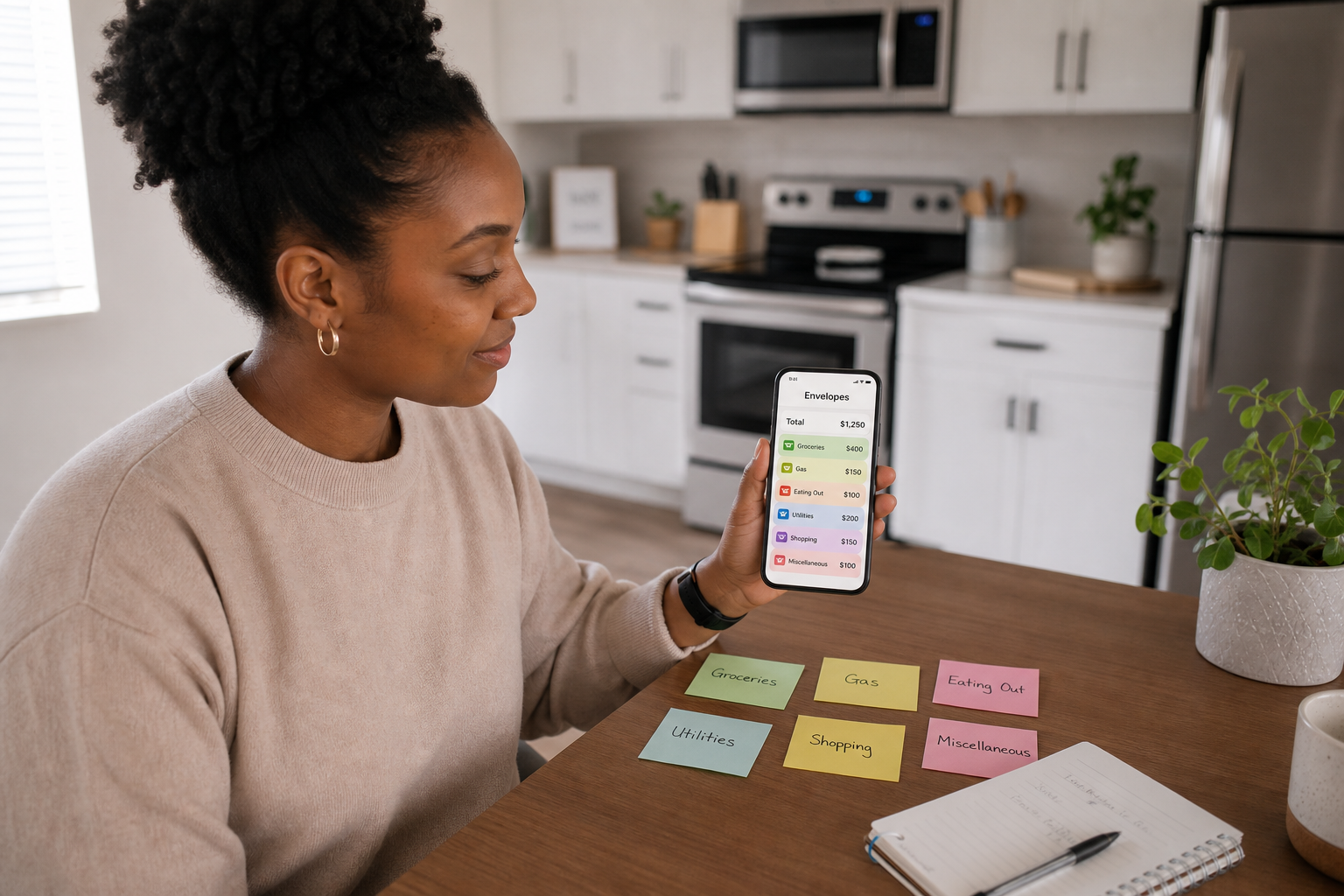
- Simple categories: Food, travel, social, study, no need for deep accounting.
- Low or no cost: Free or very low-cost apps.
- Goal tracking: For things like trips, gadgets or course costs.
You don’t need advanced investment tools or complex reports, just clear guidance and a quick way to log spending.
How to Build a Student Budget Without a Bank Sync
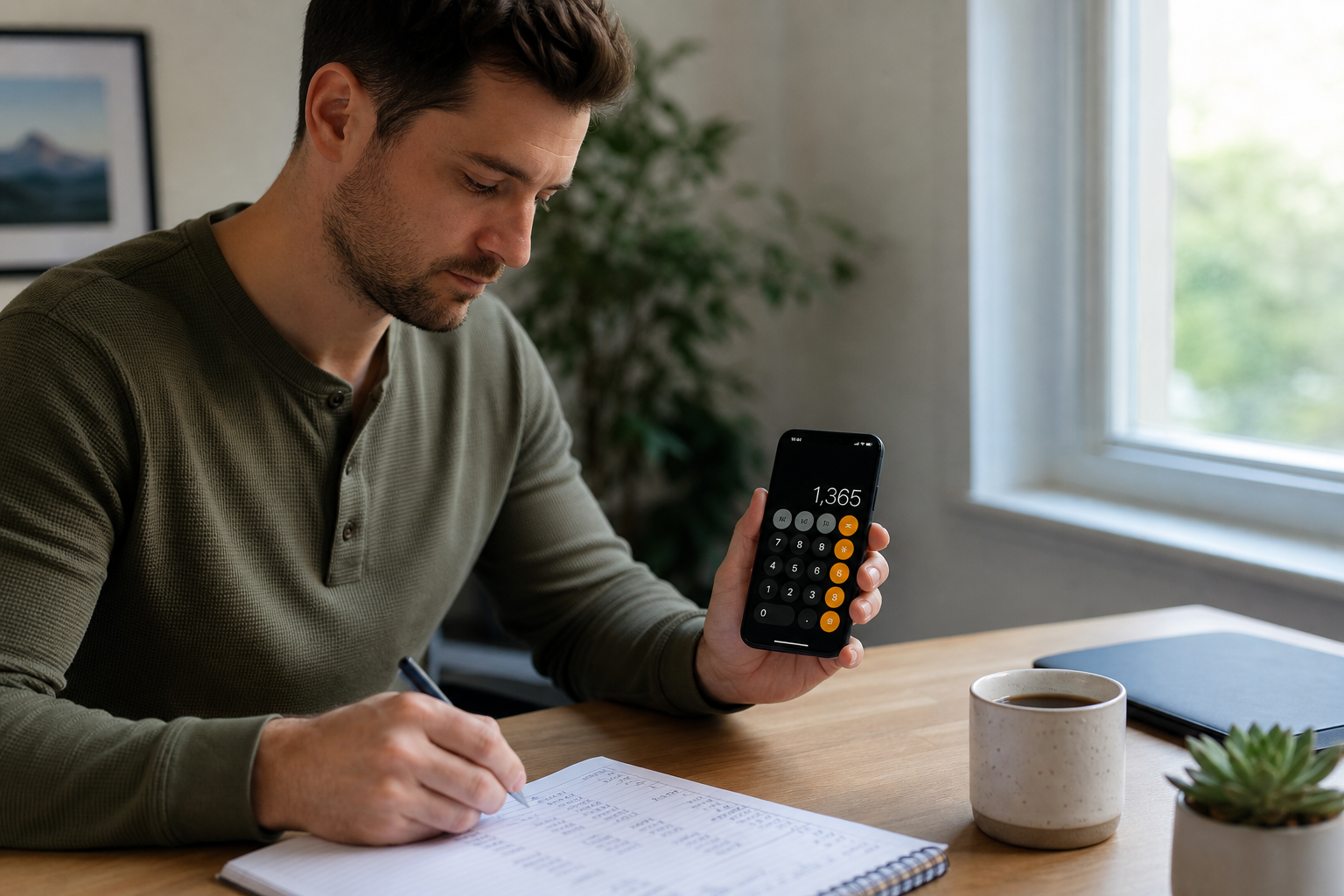
- Calculate your total monthly income.
- Student finance.
- Part-time work.
- Family support.
- List regular costs.
- Rent and bills (even if handled by housemates).
- Travel to campus or work.
- Food and essentials.
- Course materials.
- Decide how much you want left for daily spending and goals.
- Enter these numbers into your app as your budget.
From there, your app can show a daily allowance and help you see if you’re staying on track.
Where Spendaily Fits for Students and Young Workers
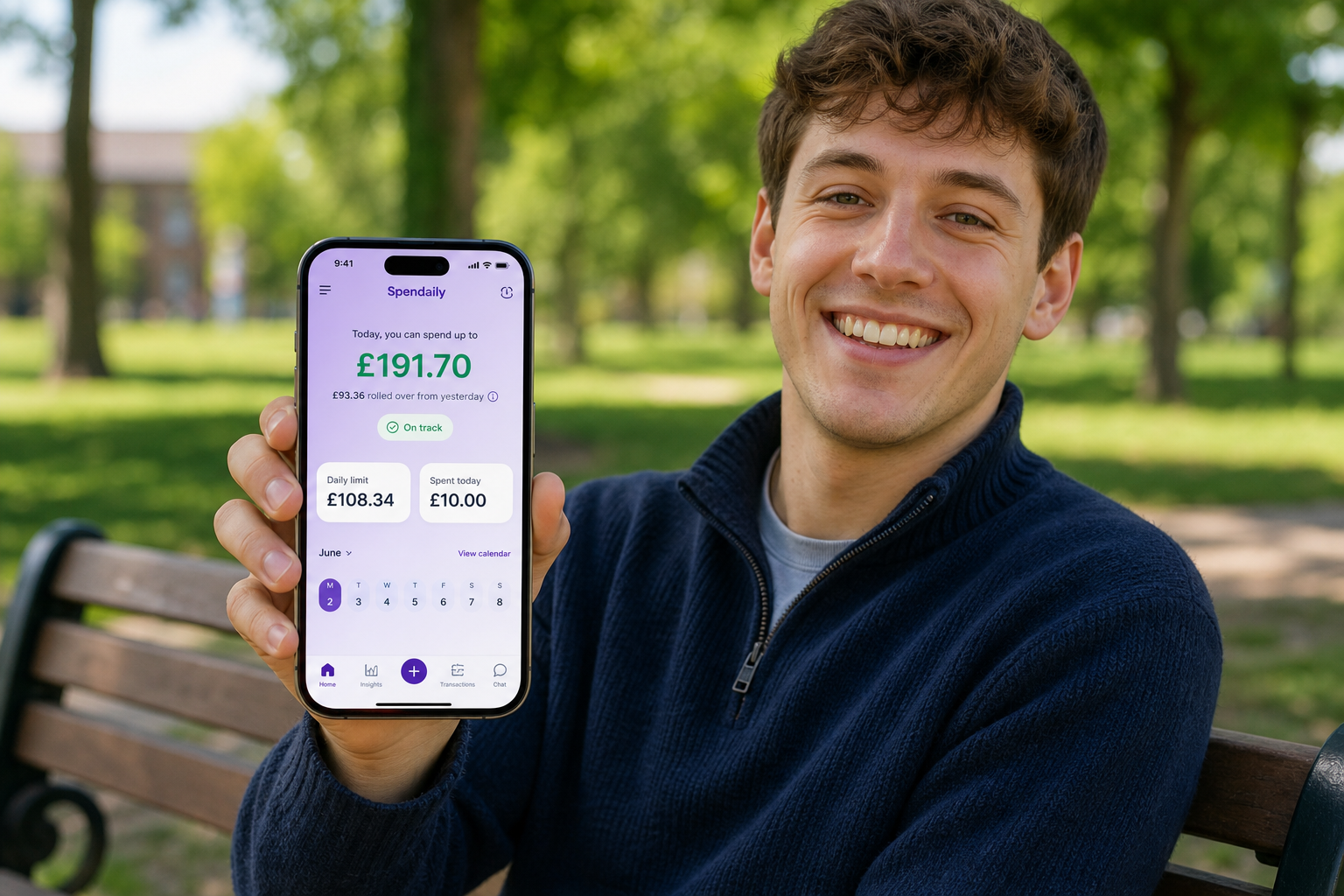
Spendaily works well in this situation because it doesn’t require bank access at all.
You can:
- Enter your monthly or term-time budget manually.
- Let the app calculate a daily allowance.
- Log cash and card spending in a couple of taps.
- Create goals for things like trips, tech or deposits.
This gives you one clear “what can I spend today?” number, even if your money arrives from different sources.
Practical Tips for Using a No-Bank-Link App as a Student
- Pick a check-in time. After lectures, before bed or on the commute.
- Round amounts. £4.80 can become £5 in your log, precision isn’t essential.
- Use notes. Add short notes like “group takeaway” or “library fine” to remember patterns.
- Review weekly. Look at which days or categories surprised you.
These small habits matter more than advanced features.
Keep reading: Best Budgeting Apps Without Bank Linking (2026): Manual Picks, Why a Budget App Without Bank Linking Can Be Better and How to Switch from Bank-Synced Apps to Manual Budgeting.
FAQ
Can I use a budgeting app if I only have a prepaid card or cash?
Yes. Manual apps don’t care where the money came from; you just record what you spend.
What if I share a house and one person pays all the bills?
You can still budget your share. Agree what you owe each month and treat that as a fixed cost in your budget.
Do I need a “proper” bank account before using a budget app?
No. Budgeting before or while you open a full account can actually help you avoid overdrafts and fees later.
How much should a student aim to spend per day?
It varies by city and situation, but many UK students find a discretionary daily budget in the £10-£20 range realistic once rent and bills are covered.
Are no-bank-link apps worse than full-featured banking apps?
They’re different. Banking apps focus on your account; no-bank-link budgeting apps focus on your decisions and daily habits. Using both together can work well.