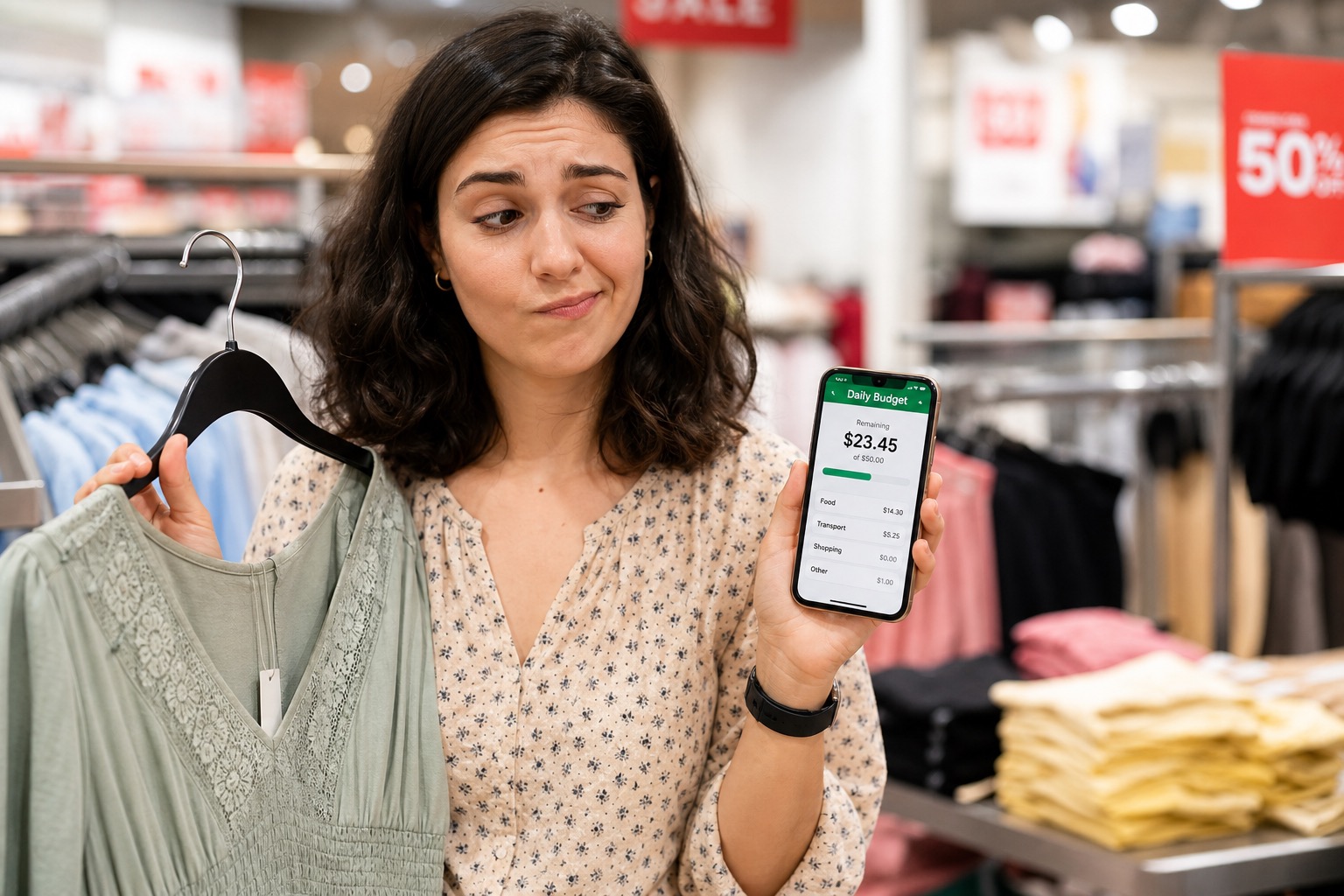
The best free budgeting apps in the UK for 2026 are the ones that give you a clear picture of your money without demanding hours of admin. Free options like Snoop, Rocket Money, PocketGuard, Goodbudget, EveryDollar (free tier), FreeBudget and simple spreadsheets can all work, but they differ wildly in how much effort they take to maintain. This guide ranks them by cognitive load, so you can pick a free app you’ll actually use.
Why “Effort” Matters More Than Features
Many comparison articles list the same big names: YNAB, Monarch, Copilot, PocketGuard, Snoop, Plum and more. They compare features, pricing and integrations.
But if you’re specifically looking for a free budgeting app, there’s a good chance:
- You don’t want to pay a monthly subscription.
- You don’t have hours to spend learning a complex system.
- You want something that quietly supports your goals without taking over your life.
That’s why this guide uses an Effort Score instead of just listing features.
How We Rank Effort
Each app is rated on:
- Setup effort: how long until it’s actually useful.
- Daily effort: how much you have to do on a typical day.
- Visual simplicity: how easy the main screen is to understand.
- Automation vs manual: how much the app does for you vs what you must do.
Lower effort isn’t always better, some people want more detail, but if you’ve bounced off multiple apps before, starting with low-effort options makes more sense.
1. Simple Spreadsheets (Google Sheets / Excel)
Effort Score: Medium setup, low ongoing effort if you keep it basic.
Spreadsheets aren’t technically “apps”, but they remain one of the most flexible free budgeting tools.
Pros:
- Total control over structure.
- No subscriptions, logins or ads.
- Easy to combine with daily or weekly check-ins.
Cons:
- Everything is manual.
- Easy to overcomplicate and then abandon.
For many UK users on Reddit and money forums, a simple weekly or daily tracking sheet beats most free apps once you resist the urge to add too many formulas.
2. Goodbudget (Free Tier), Digital Envelopes
Effort Score: Low setup, medium daily effort.
Goodbudget’s free plan gives you a limited number of virtual envelopes and manual transaction entry.
Pros:
- Clear envelope structure for groceries, fuel, eating out and more.
- No forced bank linking on the free plan.
- Works well for couples who share envelopes.
Cons:
- Manual entry can feel repetitive.
- Envelope limits on the free plan may feel tight for complex budgets.
If you like envelope budgeting and don’t mind logging transactions, this is a solid free option.
3. EveryDollar (Free), Zero-Based Budgeting
Effort Score: Medium setup, medium daily effort.
EveryDollar’s free tier gives you a full zero-based budgeting framework without automation.
Pros:
- Strong method: every pound gets a job.
- Clean, simple interface.
- Good for people who want structure without a subscription.
Cons:
- Manual entry only on the free plan.
- More planning effort up front than some alternatives.
Best for people who want discipline but are okay doing the work themselves.
4. Snoop (Free Version), Automated Tracking and Insights
Effort Score: Low setup, low daily effort, medium visual complexity.
Snoop connects to your UK bank accounts via open banking and automatically categorises spending.
Pros:
- See all accounts in one app.
- Weekly spending reports and contract renewal reminders.
- Daily personalised money-saving suggestions.
Cons:
- Requires comfort with open banking.
- Interface can feel busy if you prefer minimalism.
If you’re okay with bank linking and want a low-effort overview plus savings tips, Snoop is one of the strongest free UK options.
5. Rocket Money (Free), Subscription and Bill Awareness
Effort Score: Low setup, low daily effort, medium complexity.
Rocket Money’s free tier focuses on tracking subscriptions, monitoring bills and spotting potential savings.
Pros:
- Finds forgotten subscriptions.
- Sends alerts about price rises.
- Basic budgeting features.
Cons:
- Some features sit behind optional paid tiers.
- Not UK-specific, though many features still work fine.
It’s useful if subscriptions and bill creep are your main issues, not day-to-day spending decisions.
6. PocketGuard (Free), “How Much Can I Spend?”
Effort Score: Low setup, low daily effort.
PocketGuard’s free tier is built around one question: "How much can I spend?"
Pros:
- Safe-to-spend number after bills and goals.
- Automatic categorisation via open banking.
- Simple main question for daily decisions.
Cons:
- Heavy reliance on bank syncing.
- Some advanced features require a paid upgrade.
If you want a free app that behaves more like a traditional budget tool but still gives you a clear daily or weekly spending number, PocketGuard is a strong candidate.
7. FreeBudget, Truly Free Modern Budgeting
Effort Score: Medium setup, low ongoing effort.
FreeBudget is a newer tool that emphasises no subscription fees.
Pros:
- Full budgeting and reporting features for free.
- Bank linking is optional and charged at cost.
- Works well for manual-first users who may add automation later.
Cons:
- Less brand recognition than older apps.
- Web-first experience may not suit everyone.
Good for people who want modern dashboards without a subscription commitment.
Where Spendaily Fits In (Free Daily Budgeting)
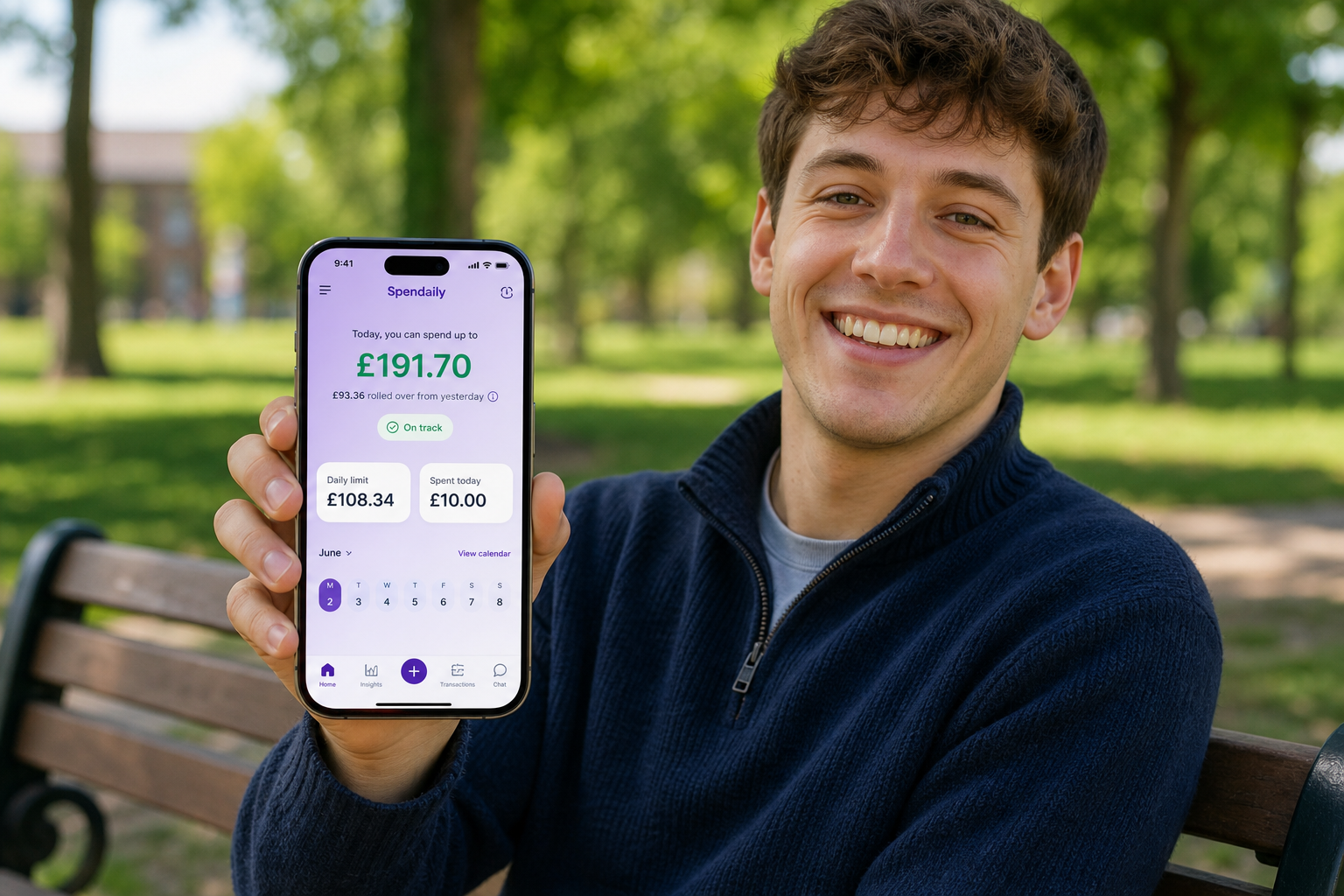
Spendaily focuses on a specific job: turning your budget into a clear daily spend number.
- No bank linking; everything is manual by design.
- Home screen shows today’s allowance.
- Rollover turns underspending into breathing room or goal progress.
If you want a free, low-effort daily budgeting tool that reinforces behaviour change more than complex analysis, Spendaily can complement or replace general-purpose budgeting apps.
Keep reading: Best Daily Budget App in 2026: Top Picks Compared, Budgeting Apps Ranked by Daily Effort, Not Features and YNAB Alternatives: 7 Simpler or Cheaper Options.
FAQ
What is the best free budgeting app in the UK for 2026?
There’s no single winner for everyone. Snoop and PocketGuard are strong for automated tracking, Goodbudget and EveryDollar are excellent for structured manual budgeting, spreadsheets offer maximum control, and Spendaily is ideal if you want a free daily allowance app without bank linking.
Are free budgeting apps safe?
Reputable apps use bank-grade encryption and regulated open-banking connections where applicable. Always check whether an app is authorised or registered with relevant financial regulators and read recent reviews before connecting any accounts.
Should I pay for a budgeting app instead?
Paid apps like YNAB, Monarch and Copilot offer more automation and advanced features. If a subscription genuinely helps you stay on track and saves you more than it costs, it can be worth it, but many people can get excellent results with free tools.
Can I use more than one budgeting app?
Yes. Some people use an automated app like Snoop for awareness and a simple tool like Spendaily or a spreadsheet for daily decisions. Just be careful not to create so many tools that managing them becomes overwhelming.
How do I pick a free app I’ll actually stick with?
Start with the lowest-effort option that matches your comfort level with automation. If you hate linking accounts, try a manual app or spreadsheet. If you love automation, pick a free app that gives you clear, simple views rather than endless charts.